LinkedIn Proxies: Connection Testing and Account Limits
A LinkedIn proxy changes the network route used by a compatible browser. It can help reproduce a connection problem or compare an authorized regional test, but it does not grant permission to automate outreach, scrape member data or bypass an account restriction.
Decide whether the problem is the network or the account
Start with the exact symptom. A browser timeout can involve the local connection, proxy endpoint or destination. A LinkedIn account restriction is a separate outcome that needs the platform’s recovery process. Changing IP addresses repeatedly can obscure the original evidence and does not establish that a restriction was caused by the network.
Keep the browser test reproducible
Record the browser version, proxy protocol, exit IP, country, timestamp and page that failed. Use one browser profile and hold the account, cookies and language constant. Compare the same permitted request with and without the proxy. A successful unrelated website only proves that one route worked; it does not prove LinkedIn compatibility.
Check routing before entering account credentials
Confirm the host, port and authentication method. Verify the exit inside the browser that will run the task, rather than relying only on an online checker. Review the proxy authentication guide for repeated credential prompts and the browser troubleshooting checklist when extensions or policies can control the route.
Respect LinkedIn's automation boundaries
LinkedIn’s guidance prohibits unauthorized scraping and tools that automate activity on its website. A stable IP does not change those rules. Use LinkedIn’s own features or an approved integration for the job it supports, and follow account recovery instructions when access is restricted. Review the official prohibited software guidance before designing an automated workflow.
Choose a proxy only for a defined routing requirement
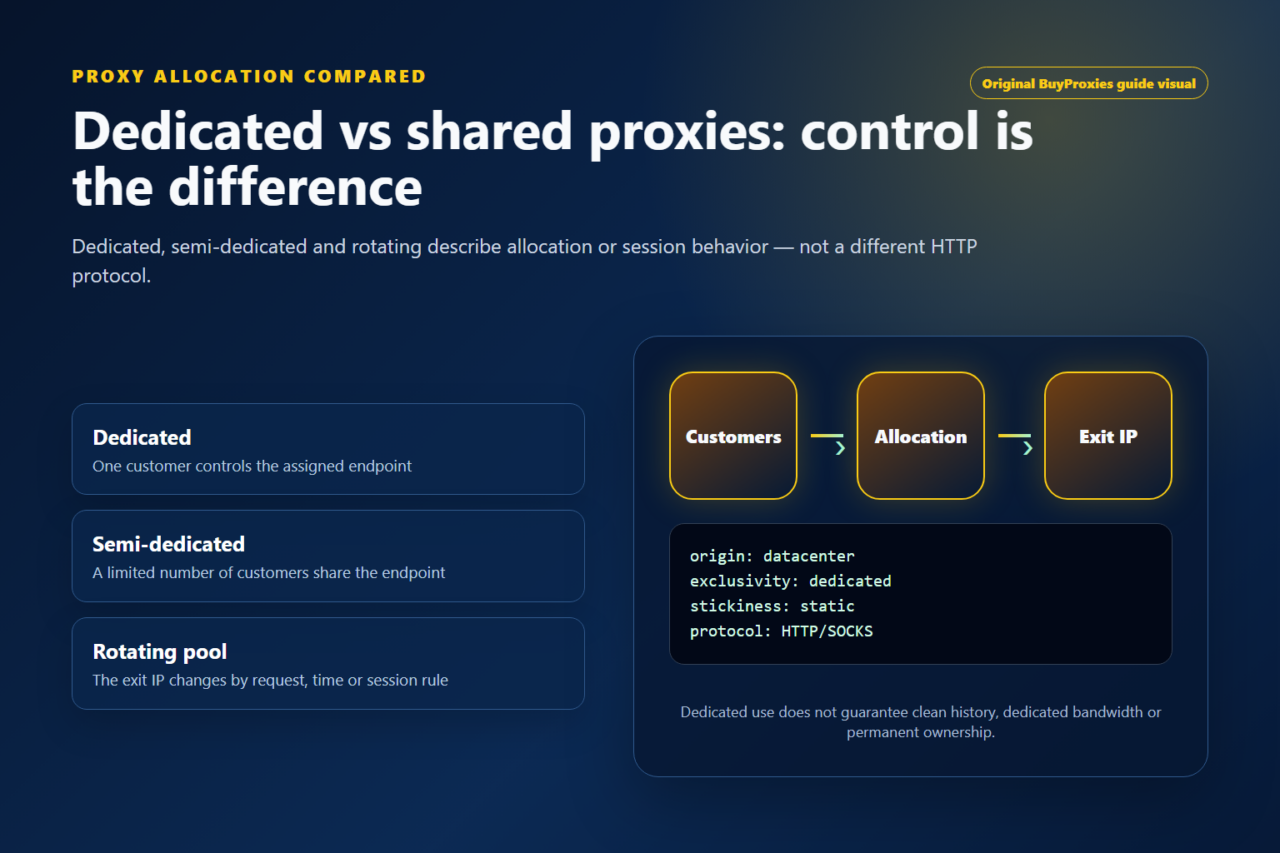
Exclusive assignment can simplify a repeated browser test, while limited sharing can be acceptable for a short public connectivity check. Neither option guarantees account acceptance or lower challenge rates. Compare dedicated and semi-dedicated allocation after documenting the requirement, then test a small sample before buying capacity.
Frequently asked questions
Can a LinkedIn proxy remove an account restriction?
No. Proxy routing does not replace LinkedIn's account review or recovery process.
Does a dedicated IP authorize scraping or automated outreach?
No. Allocation and platform permission are separate questions.
What proves that my browser is using the proxy?
An exit-IP check inside that browser is a useful routing check. Test the intended permitted page separately.
Order clarity
What you receive
- What you receive
Proxy connection details for the package processed through the live order form.
- Protocols
HTTP or SOCKS5 options are shown during configuration for supported packages.
- Authentication
Set the requested proxy credentials during configuration before checkout.
- Locations
Current location availability is shown in the selector and can change with inventory.
- Support and checking
Support can help verify connection details and review replacement requests under the service policy.