
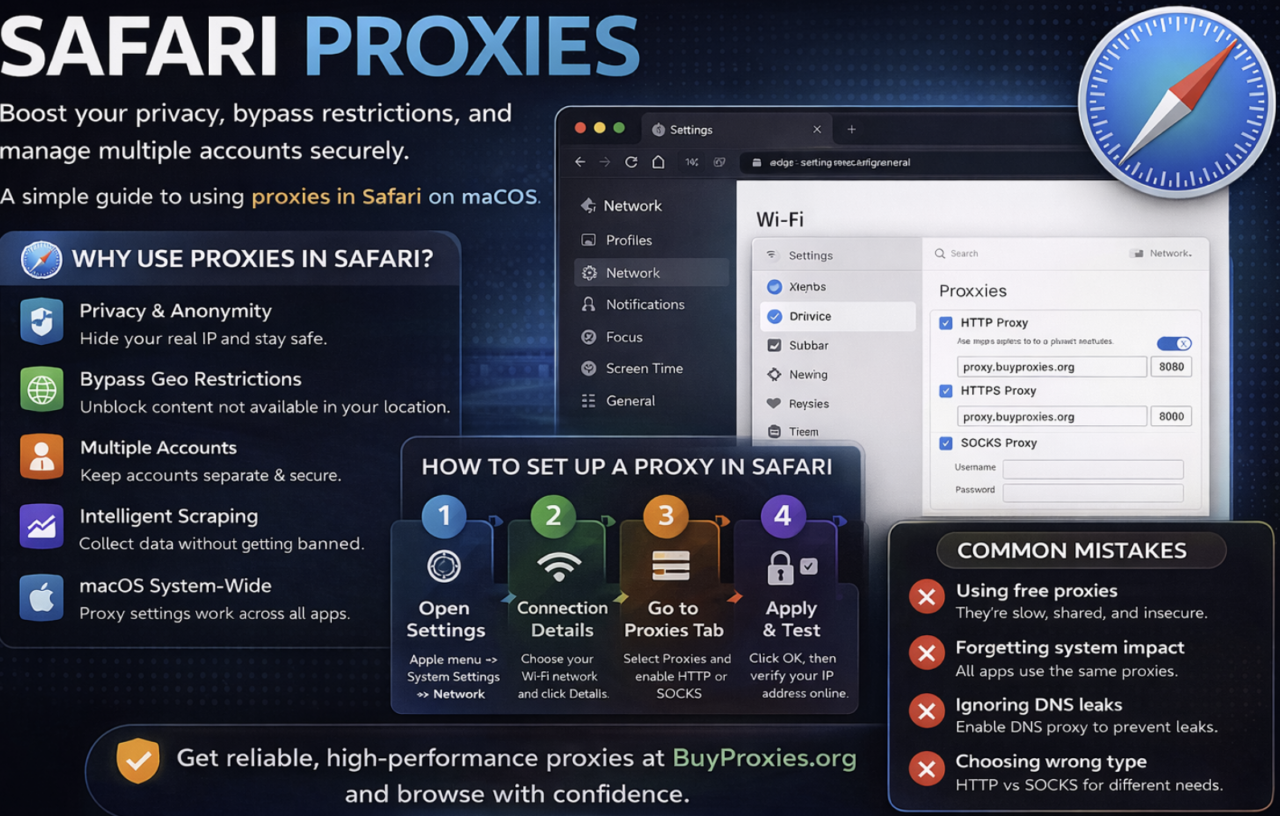
Safari Proxy Setup: macOS Network Settings and iPhone Wi-Fi
Configure Safari’s route through macOS network proxy settings or an iPhone Wi-Fi proxy, then test authentication, exit IP and application coverage.
Use these browser guides to configure a proxy, handle supported authentication, confirm the visible exit IP and troubleshoot settings that an application ignores. Browser and operating-system proxy controls do not always route the same traffic, so each guide identifies the scope of the setting and recommends a verification step. Keep the proxy country, timezone, cookies and browser profile consistent when a legitimate testing workflow depends on repeatable regional results.
Configure Safari’s route through macOS network proxy settings or an iPhone Wi-Fi proxy, then test authentication, exit IP and application coverage.
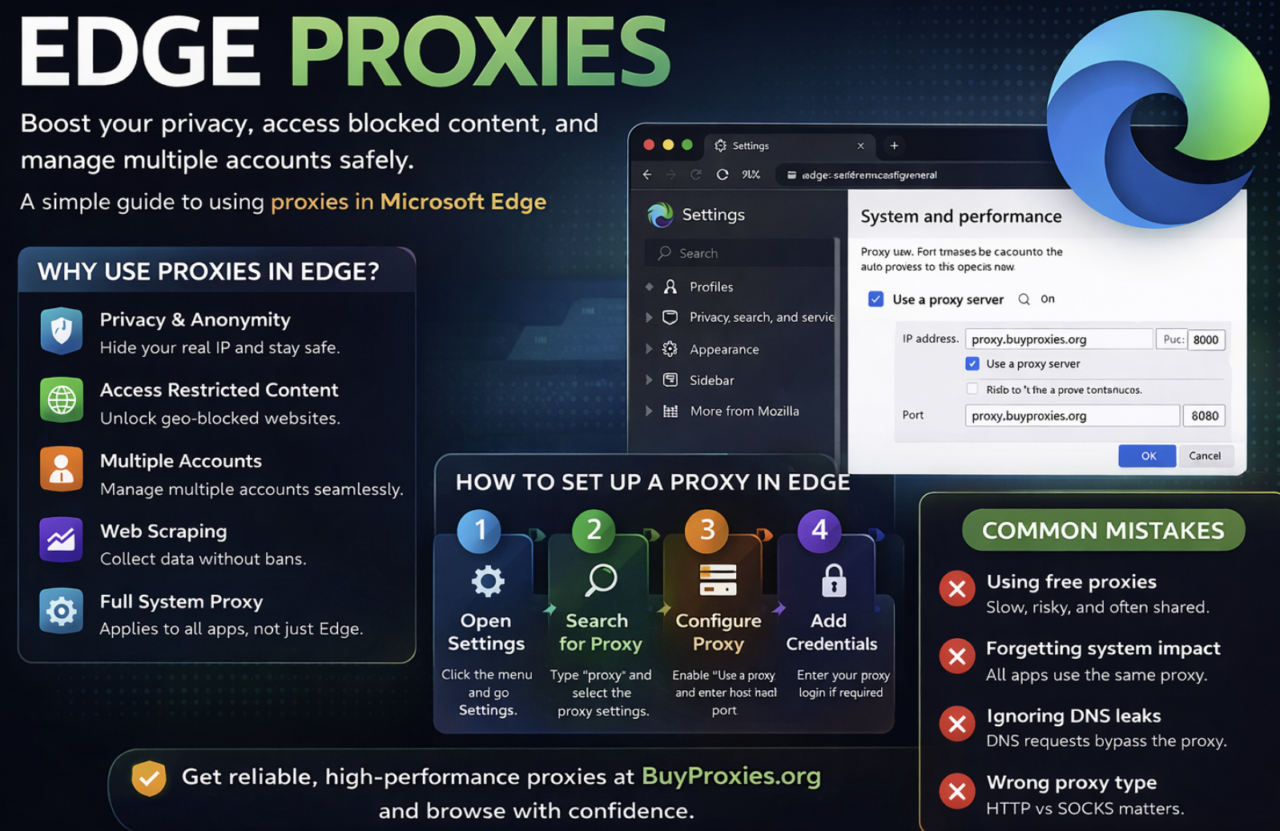
Set up a proxy for Microsoft Edge on Windows, inspect managed policies or extensions, verify routing and diagnose authentication or destination errors.
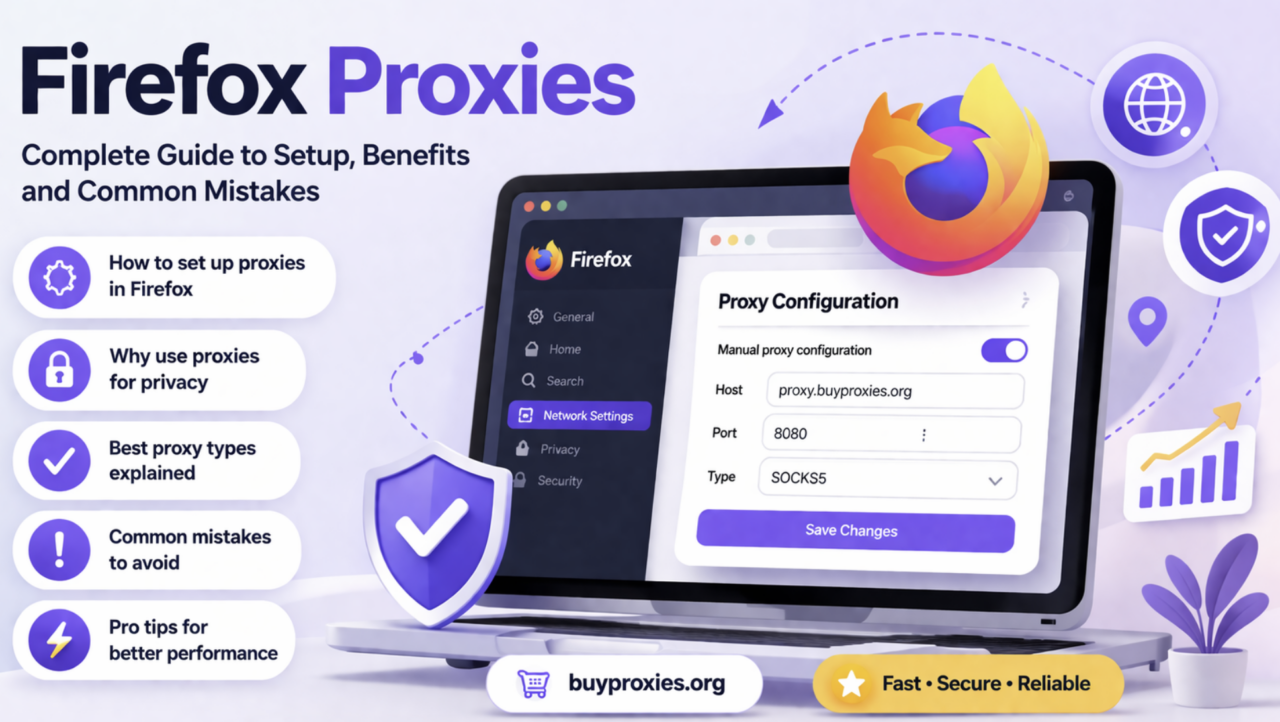
Configure Firefox connection settings, choose HTTP or SOCKS5, check bypasses and extensions, then verify the browser’s exit and intended destination.

Configure Chrome proxies, isolate browser profiles, verify exit IPs and fix extension, protocol or authentication conflicts.