
Browser location changer for testing
BP Geolocation Spoofer: Change Browser Location
BP Geolocation Spoofer changes the coordinates returned by the browser geolocation API for selected testing workflows. Choose a saved city or exact latitude and longitude, then refresh the website and verify what it receives.
Important: browser coordinates, public IP location, language and timezone are separate signals. Match them deliberately when a regional test needs a coherent environment. When the network signal also needs testing on iOS, use our iPhone Wi-Fi proxy settings guide.
Last reviewed: July 2026


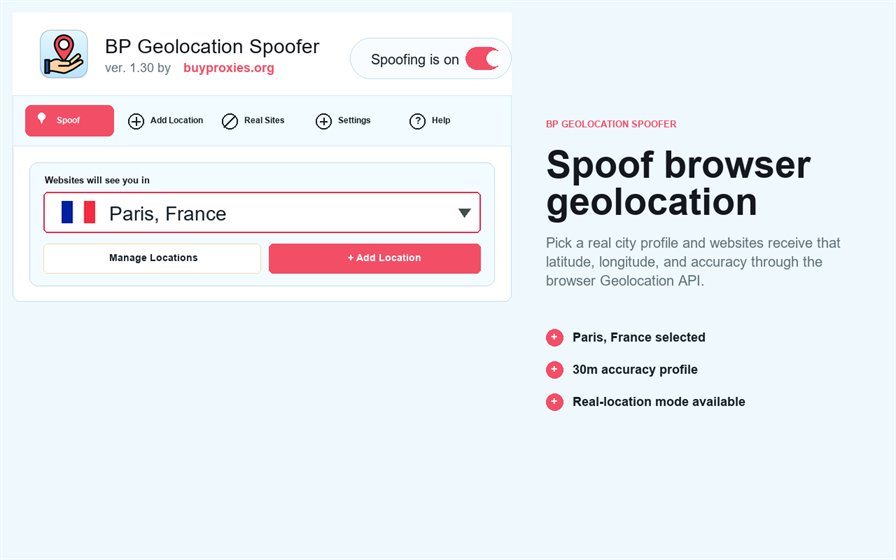
What a browser location spoofer changes
Websites can request coordinates through the browser geolocation API after permission is granted. The extension supplies the selected test coordinates for supported requests. It does not automatically change an IP address, GPS hardware, billing country or account history.
Choose and reuse saved city profiles
- Open the extension before the target page.
- Select a saved city profile.
- Keep spoofing enabled.
- Reload the page and allow geolocation if the test requires it.
- Confirm the displayed city or coordinates.
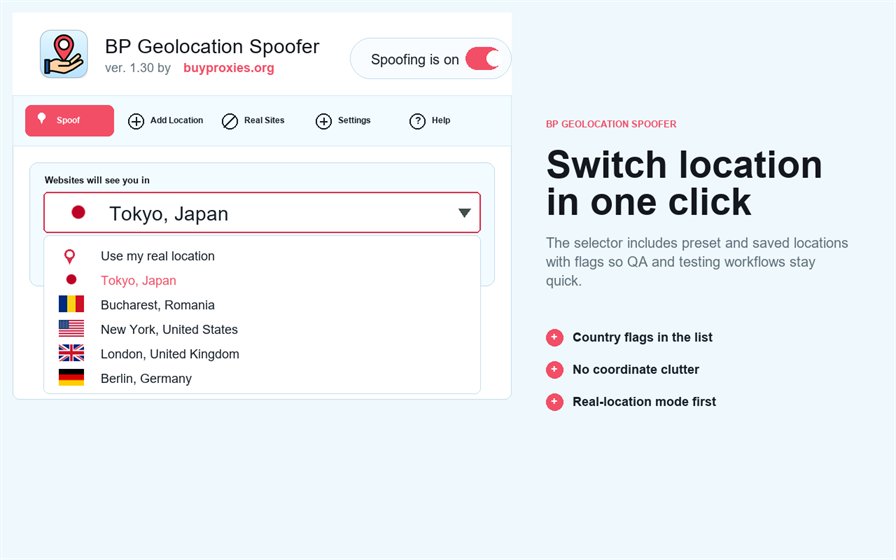
Add a mock location with custom coordinates
Use exact latitude and longitude when a named city is not precise enough. Record the coordinates with the test case, validate the sign and decimal values, and avoid changing several regional signals at once.
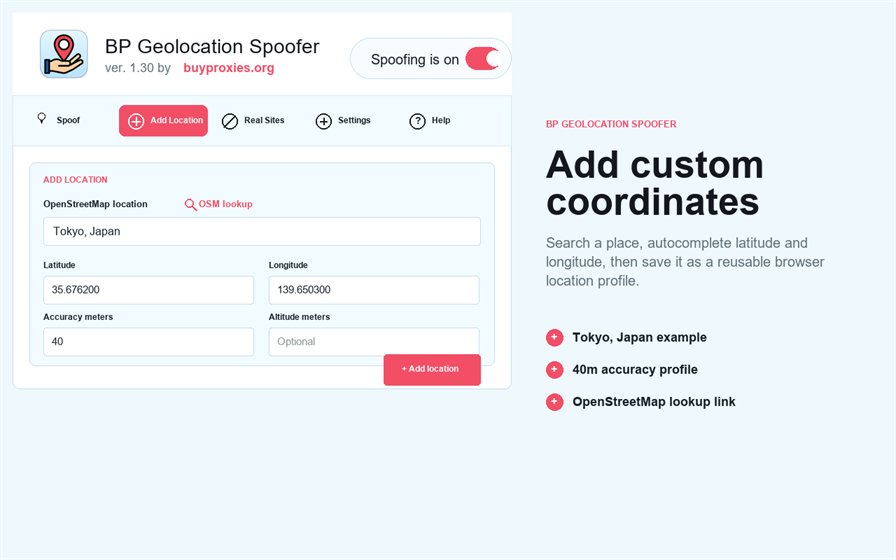
Keep real location on trusted websites
Add a site to the real-location exceptions when it should use the browser’s normal geolocation result. This is useful for maps, local services or trusted applications that should not inherit a test profile.
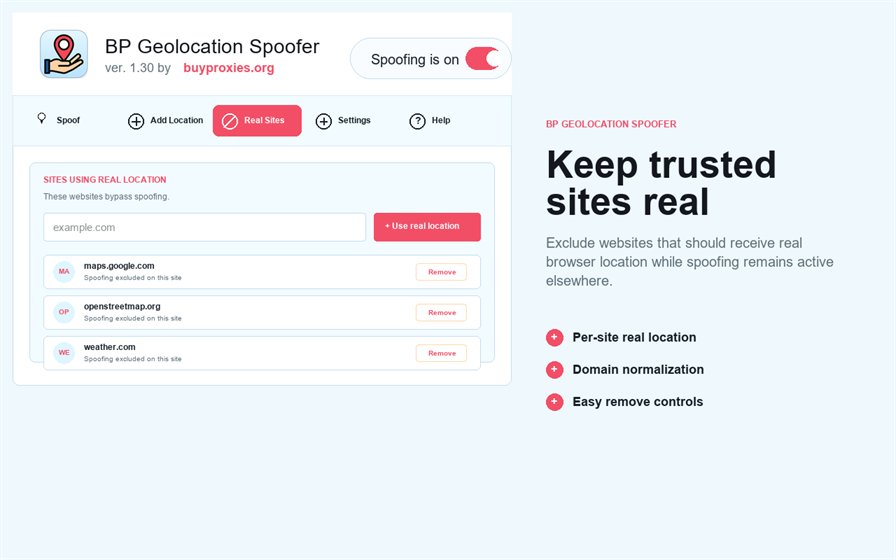
Confirm when spoofing is active
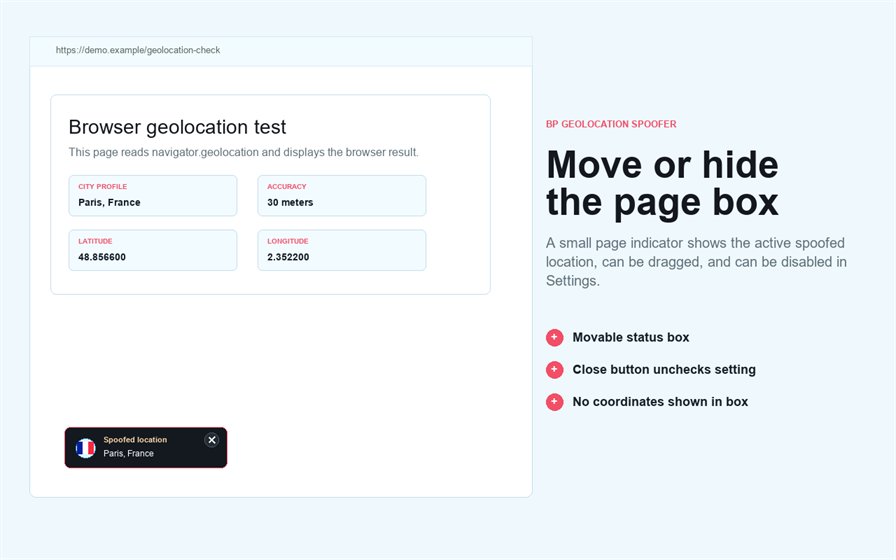
Check the extension badge and the result inside the target page. If the website still shows another region, inspect IP geolocation, cached account data, language, timezone and site permissions separately.
Troubleshoot browser geolocation
| Symptom | Check |
|---|---|
| Website reports no location | Site permission and secure HTTPS context |
| Wrong city remains | Page reload, active profile and cached site data |
| IP region differs | Proxy or network location; geolocation spoofing does not change the IP |
| Trusted site should be real | Add a narrow real-location exception |
Geolocation spoofer versus a proxy
A geolocation spoofer changes browser coordinates; a proxy changes the network route and visible IP. Use BP Proxy Switcher when the test also needs a different network location. Review cookies with BP Cookies Manager and tracking requests with BP Tracker Blocker.
BP Geolocation Spoofer FAQ
Does it change my IP address?
No. It changes supported browser geolocation responses, not the network IP.
Can I enter exact latitude and longitude?
Yes. Save a custom profile and verify the values before testing.
Why does a website still show my old city?
Reload the page and check permissions, cache, IP location, account data and the active profile.
Can some sites keep my real location?
Yes. Add only the trusted domains that need normal geolocation to the exception list.
Is spoofing guaranteed to change every regional result?
No. Websites may use several signals besides browser coordinates.