Google Proxy Guide: SERP Checks, Search Testing and Setup
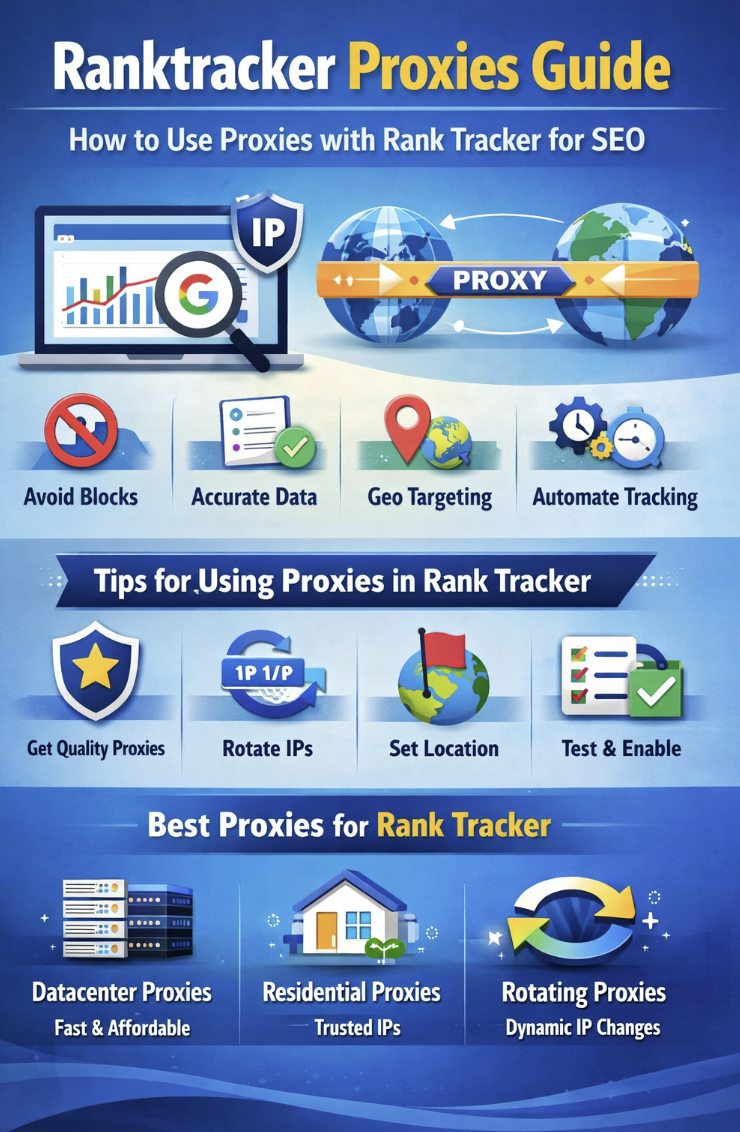
A Google proxy is useful when search testing needs a controlled network route, a specific country signal or a clean browser profile. Common legitimate use cases include SERP checks, ad preview testing, SEO quality assurance, rank tracking validation and public search research.
Google can rate-limit unusual traffic and may show additional verification when request patterns are too aggressive. A proxy helps with location and network separation, but request pacing, browser hygiene and responsible data collection still matter.
Quick answer
Use private Google proxies when you need repeatable search results from a chosen location. Start with a small set, verify the visible IP, keep requests paced and test the same workflow before scaling.
When a Google proxy helps
- SERP checks: compare search results from a selected country or region without mixing them with your default connection.
- Ad preview and QA: verify landing pages, sponsored results and localization from a clean browser profile.
- SEO tooling: validate whether rank tracking or scraping software is using the expected proxy endpoint.
- Search research: separate research sessions from personal browser history and cookies.
Dedicated vs semi-dedicated Google proxies
| Proxy type | Best fit | Link |
|---|---|---|
| Dedicated proxies | Repeatable SERP testing, ad QA, stable tooling and workflows where the same endpoint should remain assigned. | View dedicated Google proxy plans |
| Semi-dedicated proxies | Lower-cost testing, lighter research sessions and workflows where full exclusivity is not required. | View semi-dedicated Google proxy plans |
| Free public proxies | Low-risk experiments only. | Not recommended for serious search testing because speed, ownership and reputation are unpredictable. |
Setup checklist
- Choose a location first. Pick the country or region you need to test, then confirm it with the IP locations tool.
- Configure credentials carefully. Copy host, port, username and password exactly. If authentication fails, use the proxy authentication guide.
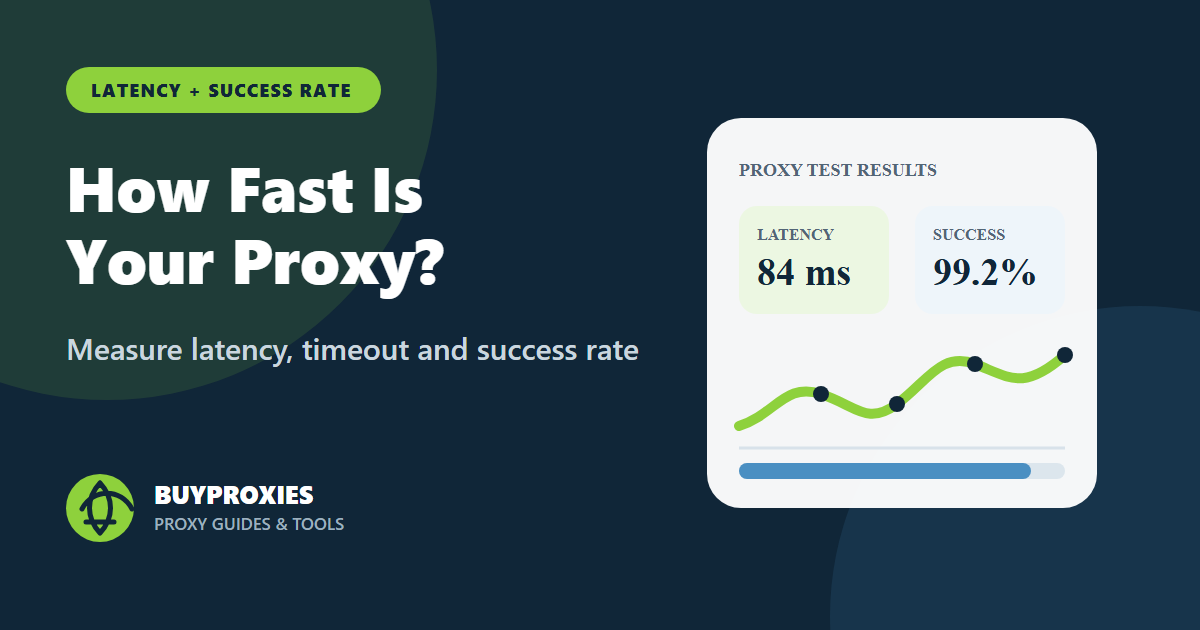
- Test the endpoint. Use the Proxy Tester before connecting SEO tools or browser profiles.
- Use a clean browser profile. For Chrome testing, review the Chrome proxies guide and keep cookies separated.
- Control request pacing. Avoid sudden spikes, repeated retries and unnecessary parallel requests.
Common Google proxy problems
| Problem | Likely cause | Fix |
|---|---|---|
| Location looks wrong | Wrong endpoint selected, cached browser data or account personalization. | Check visible IP, clear the test profile and repeat without logged-in personalization. |
| Verification prompt | High request rate, repeated retries or unusual browser behavior. | Slow down requests, reduce concurrency and test fewer queries per session. |
| Tool reports connection failure | Wrong credentials, unsupported protocol or blocked target route. | Retest the proxy outside the SEO tool and confirm HTTP or SOCKS5 mode. |
| Inconsistent SERP results | Location, cookies, language or account history changed between checks. | Keep profile settings stable and record location, language, device and timestamp. |
Buying recommendation
For Google search testing, consistency beats volume. Start with a small private proxy set, confirm location and speed, then expand only after the workflow is stable. Dedicated proxies are the safer choice for repeatable QA and rank-check validation; semi-dedicated proxies can work for lighter research.
Buy dedicated Google proxies or compare semi-dedicated Google proxies.