Canada Proxies: Private Canadian IP Setup Guide
Buy private Canada proxies for localization, SEO checks, advertising review and development. Choose a Dedicated package for IPs assigned exclusively to one customer, then enter Canada in the usage field when configuring your proxies.
A Canadian proxy changes the public network route and visible exit IP. It does not change account country, browser language, cookies, billing profile, device security or the rules of the target service. Keep those signals documented so the test result is repeatable.
How to order Canada proxies
To request a Canadian route, choose a package and enter Canada in the usage field labelled Where will you use the proxies? (optional) during configuration. The live catalogs show broader Location options such as USA and Europe. A Canada request or a link from this guide does not reserve Canadian stock: confirm Canada availability for the selected plan with support before payment. After delivery, verify the assigned Canadian exit and test the intended destination.
When Canada proxies are useful
- Regional website QA: confirm Canadian landing pages, redirects, currency presentation and public content variants.
- Local SEO checks: review search and rank-tracking workflows from a documented Canadian route.
- Advertising review: inspect approved campaign destinations and public ad landing pages from Canada.
- Development testing: reproduce reports from Canadian users with a stable network path.
- Monitoring: keep a recurring check on one controlled endpoint instead of a changing office or travel network.
Dedicated vs semi-dedicated Canada proxies
| Proxy type | Best fit | Link |
|---|---|---|
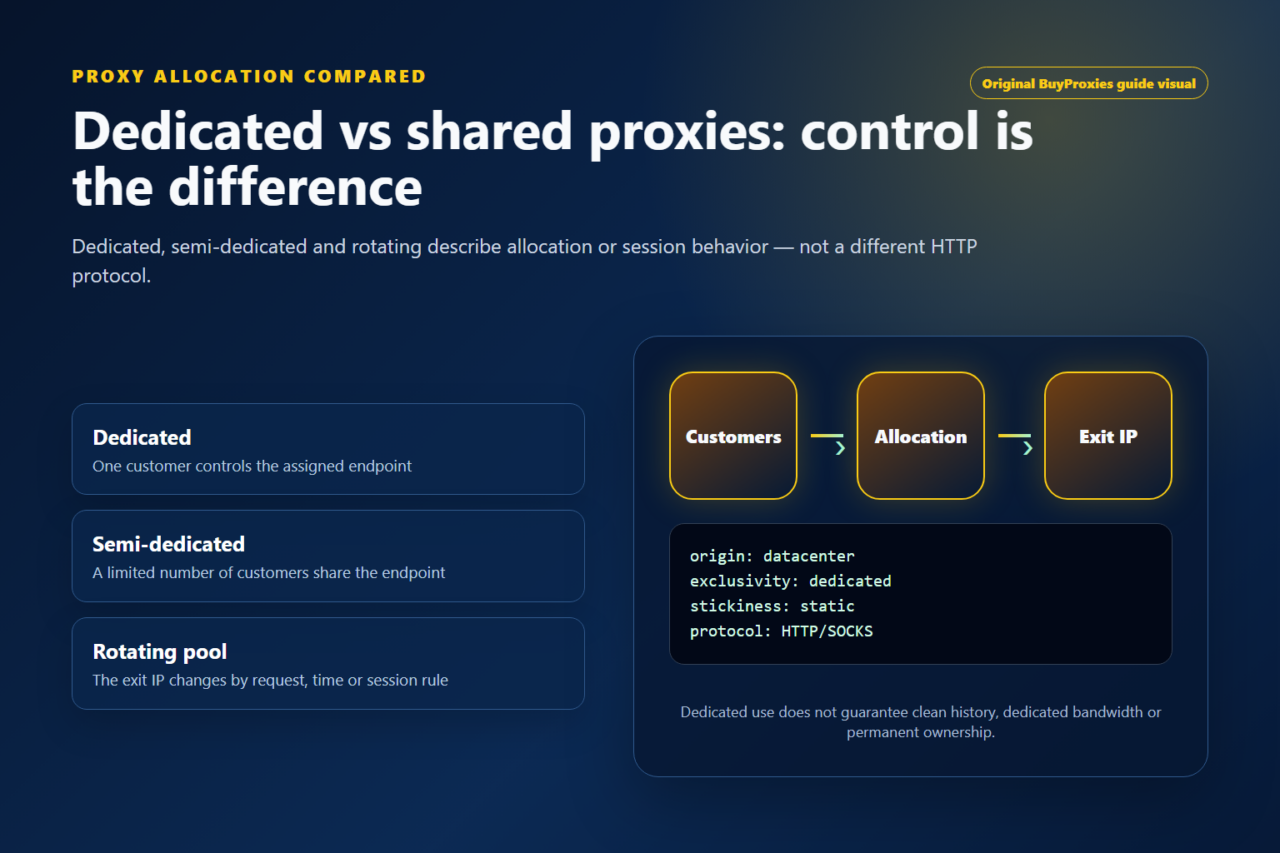
| Dedicated proxies | Recurring SEO checks, authenticated browser profiles, client QA and workflows where one customer should control the IP assignment. | Compare Dedicated plans for a Canada request |
| Semi-dedicated proxies | Lower-cost public checks, short QA runs and development tests where limited sharing is acceptable. | Compare Semi-Dedicated plans for a Canada request |
| Free proxy lists | Disposable tests only. | Not recommended for client work, accounts, credentials or repeatable business checks. |
Canada proxy setup checklist
- Define the required Canadian result. Write down the page, query, campaign, API or application behavior being checked.
- Choose protocol and authentication. Match the real client: HTTP for ordinary web proxy support, SOCKS5 where the application expects SOCKS, and the authentication method shown in the order form.
- Verify the exit. Use the Proxy Tester and IP location checker before opening the target.
- Measure the route. Use the proxy region speed test to compare latency from the same environment where the workflow will run.
- Keep browser context stable. Do not change cookies, language, account state and proxy country during the same comparison.
- Document the endpoint. Save the IP, country check, protocol, target, timestamp and result so support can reproduce failures.
Location and latency considerations
IP geolocation databases estimate network location and can disagree at city or region level. For most Canada proxy workflows, country-level verification and target compatibility matter more than a specific city label. If the exact target classifies the endpoint differently, capture the visible IP, checker results and target response before changing the route.
Latency depends on the operator location, the Canadian endpoint, the destination server and the request type. A generic speed result does not prove that an authenticated web page or API call will be fast. Measure the actual workflow and compare several normal requests instead of relying on one best result.
Common Canada proxy problems
| Problem | Likely cause | Fix |
|---|---|---|
| The target does not show Canadian content | Language, cookies, account settings or target localization rules may override IP country. | Use a clean documented profile and compare one variable at a time. |
| The proxy asks for login repeatedly | Credentials, protocol or port are incorrect. | Retype values and review the proxy authentication guide. |
| One site blocks while others work | The proxy is reachable, but that target applies its own policy or reputation checks. | Record the status and test the real target before replacing multiple endpoints. |
| Canada appears in one checker but not another | Different geolocation providers update on different schedules. | Compare multiple sources and prioritize the target application that matters. |
Buying recommendation
For Canada workflows, start with a small private package and prove the route with the exact tool you will use. Choose dedicated proxies for stable browser sessions, recurring SEO checks and client work. Choose semi-dedicated proxies for lighter public QA where the lower cost is worth limited sharing.
Before buying, review how to choose a proxy location, then buy dedicated Canada proxies or compare semi-dedicated Canada proxies.
Plan a Canada proxy workflow
Check fit before choosing a package
Good fit
Canadian localization, price checks, client QA and stable browser-profile workflows.
Verify before scaling
Confirm the Canadian exit in the exact target; city labels can differ between geolocation databases.
Order clarity
What you receive
- What you receive
Proxy connection details for the package processed through the live order form.
- Protocols
HTTP or SOCKS5 options are shown during configuration for supported packages.
- Authentication
Set the requested proxy credentials during configuration before checkout.
- Locations
Enter Canada in the usage field labelled "Where will you use the proxies? (optional)" to request Canadian IPs. The Location selector offers broader options such as USA and Europe; availability can change.
- Support and checking
Support can help verify connection details and review replacement requests under the service policy.