Proxy testing workflow
How to Check If a Proxy Is Working
A proxy is working only when it connects, authenticates, returns the expected exit IP, uses the right country and succeeds against the destination you are allowed to test. A single “it loaded once” result is not enough for production use.
Start with a simple connectivity test
The first test should answer one question: can the machine that runs your application reach the proxy endpoint? Use the exact host, port and protocol from your provider. Start with one lightweight URL you are allowed to access. An online Proxy Tester provides a separate check from its own server; it does not verify the route from your machine.
If the proxy fails immediately, check DNS resolution, firewall rules, port number, protocol and credentials. If it connects but shows the wrong IP, you may not actually be using the proxy. If it connects but the target blocks you, the proxy can still be technically working while the use case needs a different location, allocation or request pattern.
Compare the same request from the affected device
- Keep one configuration. Use one assigned endpoint, its supported protocol, a fixed timeout and a lightweight URL you are allowed to access. Record the application version and UTC time.
- Compare both routes. From the affected device, request that URL once with the proxy explicitly disabled, where direct access is permitted, then once through the proxy. Record both results; direct success alone does not prove the proxy route works.
- Compare the application. If the controlled proxy request works but the application fails, compare its proxy mode, credentials and DNS settings. If only the problem destination fails, record that difference.
Use the cURL troubleshooting guide for Bash and PowerShell commands and interpretation of HTTP status, CONNECT response and client exit code. Keep the result with the redacted support request example.
Confirm the exit IP and country
A working proxy should show the proxy exit IP, not your real client IP. Run the test from the same machine and application that will use the proxy. Testing in a browser while your script uses a different proxy setting can create false confidence.
Location matters when you are testing regional content, localized search results, ads or availability. If the country is wrong, review the endpoint, username parameters and any location settings in the provider panel. For planning, use the proxy location guide.
Test authentication separately
Authentication should be tested before performance. A fast failed request is still a failed proxy. Check whether the proxy uses username/password credentials, source-IP authorization or both. If username/password works but IP whitelist fails, the problem is probably your current public source IP.
If you receive 407, use the proxy error 407 guide. If you receive 403, 429 or 503 from the destination, authentication may already be fixed and the remaining issue is different.
- Record the exact proxy format that passed.
- Record the source machine and network used for the test.
- Record the observed exit IP and country.
- Record response time and whether the request succeeded more than once.
Measure latency and timeout behavior
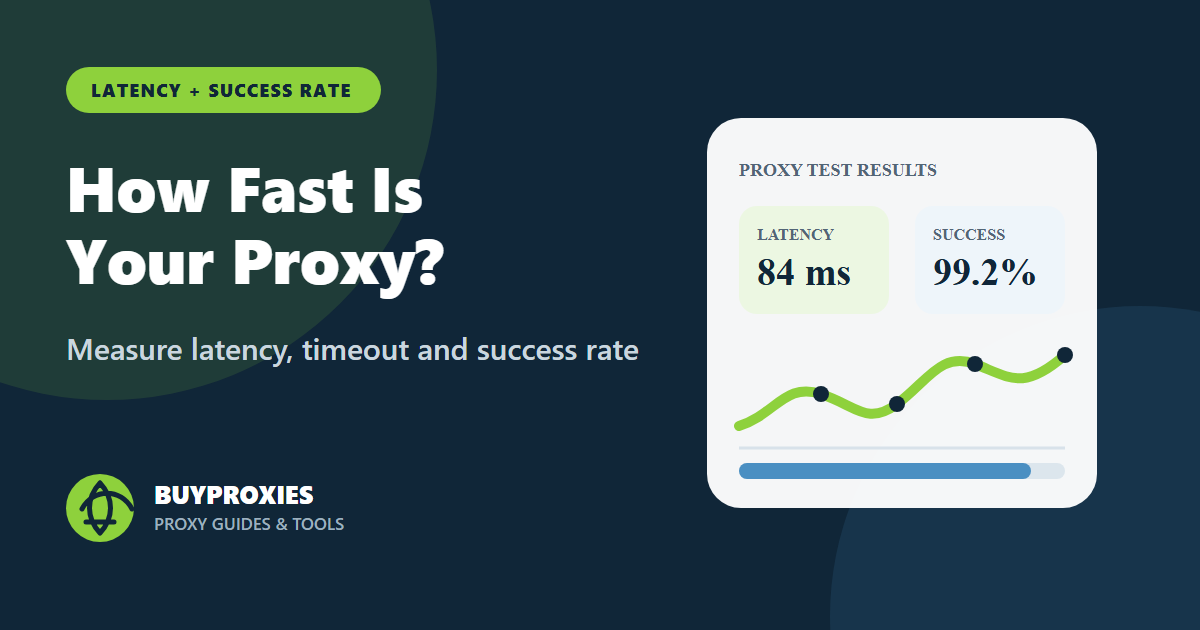
A proxy can work but still be too slow for your task. Measure connection time, first byte time and total time. Then repeat the test several times. One lucky response does not prove the endpoint is stable enough for batch work or browser automation.
Keep the target lightweight. Heavy pages add page-load noise that makes proxy performance harder to interpret. For deeper timing checks, continue with the proxy speed test guide.
Check the proxy in the real application
After a basic test passes, test the same proxy inside the real browser, scraper, API client or monitoring job. Some tools ignore operating system proxy settings. Others support HTTP proxies but not SOCKS. Automation frameworks may require proxy credentials in a launch configuration rather than in the page code.
For developer workflows, compare your setup with the Playwright, Selenium, Puppeteer, Python and cURL guides already on BuyProxies. Use the same endpoint across tests until you know which layer is failing.
Decide whether the proxy is usable
A proxy passes the practical test when it authenticates consistently, returns the expected exit IP, meets latency requirements and works against the permitted destination without frequent errors. If any one of those checks fails, document the failure instead of calling the proxy “bad.”
For large lists, test a representative sample first. Then apply the same acceptance criteria to the full list. The premium proxy lists guide explains how to normalize, test and assign batches without losing track of quality.
Related checks before you scale
Before using the advice on a larger workflow, repeat the test from the same network, browser profile, server or automation worker that will run the real job. A proxy result from a laptop does not always match a cloud server, and a browser result does not always match a script. Keep the tested endpoint, protocol, source IP, target site and date in your notes so later failures are easier to compare.
If the proxy will be shared with a team, document who owns the endpoint, which task it supports, which authentication method is active and when it should be reviewed. That small operating record prevents accidental reuse, stale credentials and confusing test results. It also creates natural internal links between troubleshooting, testing and buying decisions instead of treating every proxy problem as a separate incident.
For HTTP-level errors, keep a neutral reference such as the MDN HTTP response status documentation nearby, but judge the final fix in the application that actually uses the proxy. Browser settings, automation libraries, command-line tools and server-side jobs can each handle proxy configuration differently. That is why every recommendation here ends with a real retest, not just a settings change.
A useful final note should include the proxy type, authentication method, observed exit IP, location, target domain, result code and the next owner. This turns a one-time fix into a repeatable operating procedure. Over time, those records also show whether a problem is isolated to one endpoint, one destination, one geographic route or one client configuration. Keep the note short enough that another person can reuse it during the next incident, but specific enough to avoid repeating the same diagnostic work. That balance is what makes troubleshooting content useful after publication.
FAQ
What is the quickest way to check a proxy?
Use a proxy tester or a simple IP-check request with the exact proxy endpoint and credentials.
Does a proxy work if it shows my real IP?
No. If the destination still sees your real IP, your client is not routing through the proxy correctly.
Should I test every proxy in a list?
For production use, yes. For a first check, test a small sample and then apply the same checks to the full list.
Why does a proxy work in cURL but not Chrome?
Chrome may use system settings or extension settings, while cURL uses the command options you pass directly.
How many successful tests are enough?
Run several repeated requests. One success is useful, but repeated success is better evidence of reliability.
Next steps
Use the Proxy Tester first, then move to your real app. If the proxy passes basic checks but fails on speed, continue with the proxy speed test article.
Related guide: Proxy DNS Leak: How to Test and Fix It.
Order clarity
What you receive
- What you receive
Proxy connection details for the package processed through the live order form.
- Protocols
HTTP or SOCKS5 options are shown during configuration for supported packages.
- Authentication
Set the requested proxy credentials during configuration before checkout.
- Locations
Current location availability is shown in the selector and can change with inventory.
- Support and checking
Support can help verify connection details and review replacement requests under the service policy.