
Buy Proxies — Private HTTP & SOCKS5
Private proxies for businesses and developers since 2011.
Compare plansCompare proxy plans
Choose dedicated IPs for exclusive use, or semi-dedicated IPs shared by up to three users. Monthly prices are in USD before tax.
| Plan | IP allocation | Monthly price | Order |
|---|---|---|---|
| Dedicated ProxiesExclusive to your account. | 5 IPs$2.50 per IP | $12.50 /month | Buy dedicated proxies |
| Semi-Dedicated ProxiesShared by up to three users. | 10 IPs$1.25 per IP | $12.50 /month | Buy semi-dedicated proxies |
Both plans include unlimited bandwidth and support HTTP, SOCKS5 and UDP.
Volume pricing and IP assignment
Dedicated
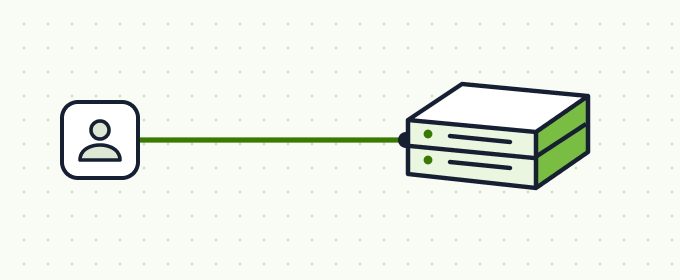
1,000 proxies: $1,675/month
About $1.68 per proxy
Semi-Dedicated
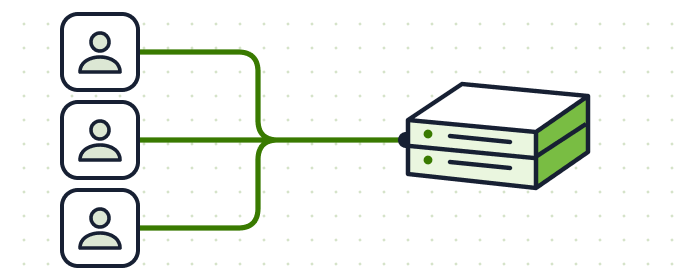
1,000 proxies: $837.50/month
About $0.84 per proxy
What you get after payment
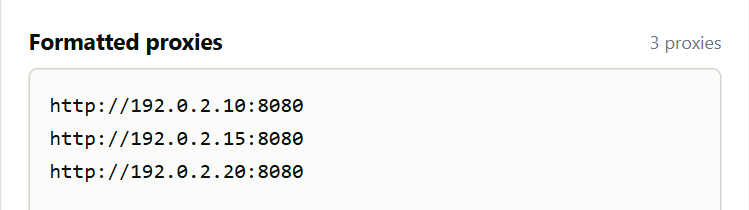
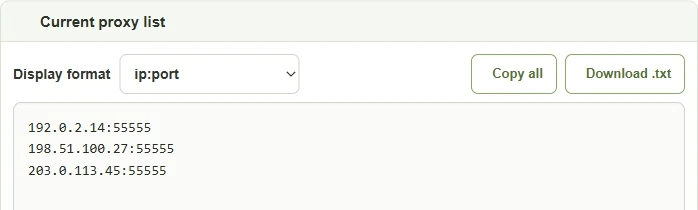
Once setup is complete, open My Proxies to find your IP addresses, ports and authentication details.
Popular Proxy Guides
Before you buy proxies
When you buy proxy access, you get connection details for a browser or an application. Start with the job you need it to do. Checking a storefront from another country and testing five separate browser sessions can call for different IP assignments.
How many private proxy IPs do you need?
Count the sessions that need a different IP at the same time. For example, testing five browser profiles with a separate, exclusive address for each takes five dedicated proxies. If you are comparing public product pages and can share addresses with other customers, semi-dedicated proxies give you more IPs for the same starting price.
Will an HTTP or SOCKS5 proxy work with your app?
Open the proxy settings in the browser, script or app you plan to use. Check which protocol it accepts and whether it has fields for a username and password. If the app runs on a server with a fixed public IP, you can also check the IP authorization option during configuration. Compare HTTP and SOCKS5 for your client.
Which proxy location should you choose?
For a regional price check, choose the country whose storefront you want to see. Check availability in the order form before paying. After setup, look up the exit IP location and open the storefront in your browser. Its currency or language may also depend on your account and cookies.
How do you test your first connection?
Once setup is complete, open My Proxies in your account and copy one host and port into your client. Apply the authentication method you chose. Use the proxy tester to check connectivity, then try the same address in your application before importing the rest of the list. If one works and the other fails, tell support which client you used and the error you saw.
Browser add-ons
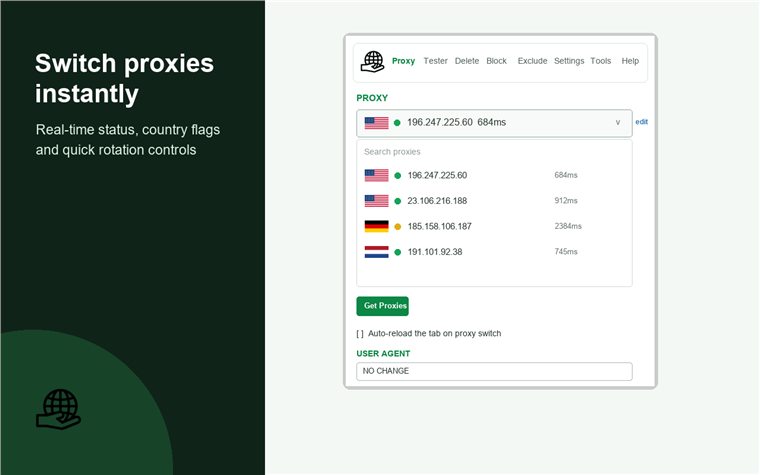
Configure and switch connections with BP Proxy Switcher.
BP Tracker Blocker · BP Geolocation Spoofer · BP Cookies Manager
Choose a proxy plan, then test a small sample before scaling the workflow.
Compare Dedicated & Semi-Dedicated PlansProxy buying guides
Proxy tools and tutorials