Python Requests proxy guide
Python Proxies: Requests Authentication, Sessions and SOCKS
Python Requests accepts per-request proxy configuration through the proxies argument. A reliable implementation should configure both HTTP and HTTPS destination keys, protect credentials, set explicit timeouts, preserve TLS verification and classify proxy errors before retrying.

Quick answer: Create a dictionary whose http and https keys point to the proxy URL, then pass it to requests.get(..., proxies=proxies, timeout=(connect, read)). The keys describe destination URL schemes; using an HTTP proxy for an HTTPS destination is normal when the client creates a CONNECT tunnel.
Using a different Python client? See the HTTPX proxy examples for synchronous and asynchronous requests, the aiohttp concurrency guide for bounded async workers, or the Scrapy proxy middleware guide for a crawler integration.
Basic Python Requests proxy example
import requests

proxies = {
    "http": "http://proxy.example:8080",
    "https": "http://proxy.example:8080",
}

response = requests.get(
    "https://buyproxies.org/ip",
    proxies=proxies,
    timeout=(10, 30),
)
response.raise_for_status()
print(response.json())
Always set a timeout. Without one, a stalled proxy or destination can hold a worker indefinitely. A tuple sets connection and read-inactivity limits; it is not a guaranteed total wall-clock deadline, and connection attempts across multiple addresses can extend elapsed time. Keep TLS verification enabled; Requests verifies HTTPS certificates by default.
Python proxy authentication
import os
from urllib.parse import quote
import requests

host = os.environ["PROXY_HOST"]
port = os.environ["PROXY_PORT"]
username = quote(os.environ["PROXY_USERNAME"], safe="")
password = quote(os.environ["PROXY_PASSWORD"], safe="")

proxy_url = f"http://{username}:{password}@{host}:{port}"
proxies = {"http": proxy_url, "https": proxy_url}

response = requests.get(
    "https://buyproxies.org/ip",
    proxies=proxies,
    timeout=(10, 30),
)
response.raise_for_status()
print(response.text)
URL-encode credential components when they contain @, :, spaces or other reserved characters. Keep the original values in a protected secret store or environment rather than source code. Do not print proxy_url or include it in exception logs.

Validate configuration and allowed destinations
Parse proxy configuration before creating the Session. Require an allowed scheme, non-empty hostname, valid port and the complete credential pair when authentication is enabled. Reject embedded line breaks and redact user information before logging a URL. If an application accepts destinations from users or jobs, apply an explicit allowlist or network policy so the proxy feature cannot reach internal services or arbitrary hosts.
Store a neutral endpoint identifier separately from the secret URL. The identifier belongs in metrics and support records; the username and password do not. At deployment, confirm the Requests and urllib3 versions plus installed SOCKS support without printing environment variables. Small differences between local, container and production environments often explain why the same code follows another route.
Use a Session for repeated requests
import requests

session = requests.Session()
session.trust_env = False
session.proxies.update({
    "http": "http://proxy.example:8080",
    "https": "http://proxy.example:8080",
})
session.headers.update({"User-Agent": "ApprovedMonitor/1.0"})

for url in [
    "https://example.com/health",
    "https://example.com/status",
]:
    response = session.get(url, timeout=(10, 30))
    response.raise_for_status()
    print(url, response.status_code, response.elapsed.total_seconds())
A Session can reuse connections and shared headers. It also holds cookies, so do not reuse one session across identities or unrelated security contexts. Requests warns that environment proxy settings can override session.proxies; set trust_env = False only when exact per-session routing is required and you deliberately do not need environment CA bundle, authentication or proxy settings. Otherwise pass proxies= per request. Close the session when finished or use a context manager.
with requests.Session() as session:
    session.trust_env = False
    session.proxies.update(proxies)
    response = session.get("https://example.com/", timeout=(10, 30))
    response.raise_for_status()
SOCKS5 proxies in Requests
Install Requests with its SOCKS extra in the environment:
python -m pip install "requests[socks]"Then configure a SOCKS proxy:
proxies = {
    "http": "socks5h://username:password@proxy.example:1080",
    "https": "socks5h://username:password@proxy.example:1080",
}

response = requests.get(
    "https://buyproxies.org/ip",
    proxies=proxies,
    timeout=(10, 30),
)
response.raise_for_status()
socks5h:// sends hostname resolution through the proxy path. Plain socks5:// can use local name resolution. Test the behavior required by the application, and do not assume this setting proxies every process on the machine.
Environment variables
export HTTP_PROXY='http://proxy.example:8080'
export HTTPS_PROXY='http://proxy.example:8080'
export NO_PROXY='localhost,127.0.0.1,.internal.example'
Requests can use conventional proxy environment variables. They are convenient for command-line jobs but can also affect code that did not expect a proxy. Keep them scoped to the service or container and document bypass rules. The Requests documentation cautions against storing proxy credentials directly in environment variables or version-controlled configuration when exposure is possible.
Resolve Session and environment precedence
Decide whether deployment policy or application code owns routing. When environment variables are authoritative, leave trust_env enabled and test the actual service environment. When one isolated Session must ignore inherited proxy settings, set trust_env = False deliberately and provide the proxies argument or Session mapping. That choice also affects inherited CA bundle and authentication behavior, so record it in the application configuration.
For the most explicit route, pass proxies= on the request and keep NO_PROXY rules narrow. A broad bypass can silently expose the direct IP. Python’s standard-library ProxyHandler documentation is also useful when diagnosing how conventional environment values are discovered outside Requests.
Error handling and bounded retries
import requests
from requests.exceptions import ProxyError, ConnectTimeout, ReadTimeout

try:
    response = requests.get(
        "https://example.com/",
        proxies=proxies,
        timeout=(8, 20),
    )
    response.raise_for_status()
except ProxyError as exc:
    print("Proxy negotiation failed", type(exc).__name__)
except ConnectTimeout:
    print("Connection timed out")
except ReadTimeout:
    print("Destination response timed out")
except requests.HTTPError as exc:
    print("Destination HTTP error", exc.response.status_code)
Do not rotate proxies for every exception. An HTTP 407 points to proxy authentication; HTTP 401 relates to destination authentication; HTTP 403 can reflect destination policy; HTTP 429 asks the client to slow down. Retrying those responses through more addresses without understanding them can violate target rules and hide the real defect.
A small proxy health-check function
from dataclasses import dataclass
from time import monotonic
import requests

@dataclass
class ProxyCheck:
    ok: bool
    status: int
    elapsed: float
    error: str | None

def check_proxy(proxy_url: str) -> ProxyCheck:
    started = monotonic()
    try:
        response = requests.get(
            "https://buyproxies.org/ip",
            proxies={"http": proxy_url, "https": proxy_url},
            timeout=(8, 20),
        )
        response.raise_for_status()
        payload = response.json()
        has_exit_ip = isinstance(payload.get("ip"), str) and bool(payload["ip"])
        return ProxyCheck(
            ok=has_exit_ip,
            status=response.status_code,
            elapsed=monotonic() - started,
            error=None,
        )
    except requests.RequestException as exc:
        return ProxyCheck(
            ok=False,
            status=0,
            elapsed=monotonic() - started,
            error=type(exc).__name__,
        )
Return structured values without credentials and validate the expected response shape, not just a generic 200 page that could be a captive portal. The str | None annotation requires Python 3.10 or newer; use Optional[str] on older supported versions. Check the real destination separately because a general exit-IP endpoint does not prove universal compatibility.
Build a production validation workflow
Use three stages. First, validate the configuration without making a request. Second, call a harmless exit-IP endpoint and confirm that the returned shape contains the expected public address. Third, call the actual permitted destination and classify its response independently. Preserve the neutral endpoint ID, elapsed time, exception class and HTTP status for each stage.
A successful IP check proves routing, not target acceptance. A target 403 or 429 is not the same as ProxyError. Keep response samples short and avoid storing personal or secret data. Establish one direct control and one known-good proxy for support tests so environment, endpoint and destination failures can be separated.
Bound retries and concurrency
Requests does not retry every failure by default, which is safer than blind repetition. If the application mounts an urllib3 retry policy through an HTTPAdapter, limit total attempts, apply backoff and restrict retries to methods that are safe to repeat. Do not rotate on destination authentication, policy or rate-limit responses. For a POST or upload, require an idempotency design before retrying.
Add workers gradually after one request is stable. Limit simultaneous connections per endpoint and destination, and set a job-level deadline in addition to per-request timeouts. Track success rate and latency percentiles. If failures grow with concurrency, return to one worker before increasing the proxy pool; the bottleneck may be local sockets, DNS, provider capacity or the target.

Common Python proxy problems
| Problem | Likely cause | Action |
|---|---|---|
ProxyError |
Host, port, protocol or negotiation | Test endpoint and configuration independently |
| HTTP 407 | Proxy credentials rejected | Check URL encoding, username, password and auth support |
| Certificate verification error | CA trust or authorized TLS inspection | Repair the CA configuration; do not set verify=False |
| Target sees direct IP | Proxy dictionary or environment override | Inspect final session settings and test exit IP |
| SOCKS import error | SOCKS dependency not installed | Install requests[socks] in the active environment |
Python proxy production checklist
- Set both destination-scheme keys when the application uses HTTP and HTTPS URLs.
- URL-encode credentials and keep them out of source code and logs.
- Set connection and read timeouts.
- Keep certificate verification enabled.
- Use one Session only for one coherent cookie/security context.
- Classify errors before retrying or rotating.
- Test one endpoint and the real destination before adding concurrency.
- Respect terms, rate limits and access controls.
Turn these checks into a small automated smoke test that uses placeholder configuration in development and the approved secret source in deployment. Fail safely when required values are missing, and alert on sustained error categories rather than one slow response. Revisit timeout and retry values after observing real traffic instead of treating example numbers as permanent defaults.
Python proxy FAQ
Why are both dictionary keys set to an HTTP proxy URL?
The keys describe the destination URL scheme. An HTTP proxy can tunnel an HTTPS destination through CONNECT, so the proxy URL can remain http:// for both keys.
How do I use proxy authentication?
Include URL-encoded credentials in the proxy URL or use a supported authentication design. Keep the values in protected configuration and never log the resulting URL.
Should I use verify=False?
No. Fix certificate trust or the authorized inspection setup. Disabling verification makes HTTPS connections vulnerable to unintended certificates.
Can Requests use SOCKS5?
Yes, after installing the SOCKS extra. Use socks5h:// when proxy-side hostname resolution is required.
Why can environment variables override a Session proxy?
Requests can merge conventional environment proxy settings into the prepared request. Pass proxies= explicitly or set trust_env = False only when the application intentionally owns all routing and related environment behavior.
Build the Python proxy path in small steps
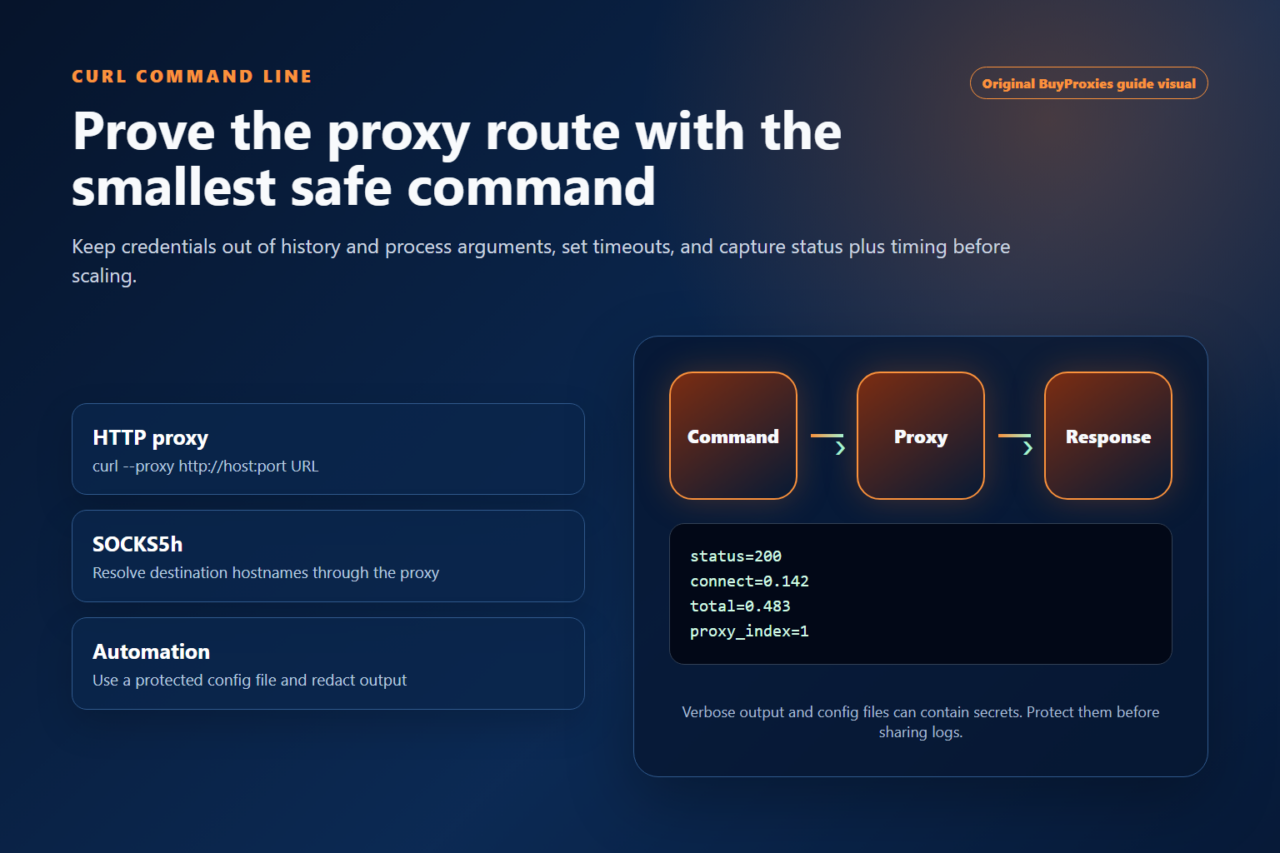
Confirm the endpoint with one timed request, then add Sessions, structured error handling and bounded concurrency. See the official Requests proxy documentation, including its warning about storing proxy credentials in environment variables, and compare our cURL proxy examples for command-line diagnosis.
Related guide: How to Use Proxies with Python Requests.
Updated practical checklist
This guide is most useful when you turn the setup into a repeatable decision. Before you use proxies in production, confirm the target website, required country, protocol support, authentication method, expected session length and replacement plan.
| Before you start | What to confirm |
|---|---|
| Proxy type | Dedicated for important workflows; semi-dedicated for lower-risk testing. |
| Protocol | Use HTTP/HTTPS unless the tool clearly supports SOCKS5. |
| Authentication | Check username/password format or IP whitelist before blaming the proxy. |
| Quality control | Run a tester check, then verify location and speed. |
Should I use dedicated proxies for this?
Use dedicated proxies when the task depends on clean reputation, stable sessions or easy troubleshooting.
What should I check first if the proxy fails?
Check format, protocol and authentication first. Then test speed, location and target-specific blocking.
Useful next steps: proxy setup guides, proxy tools, and dedicated proxy plans.
Order clarity
What you receive
- What you receive
Proxy connection details for the package processed through the live order form.
- Protocols
HTTP or SOCKS5 options are shown during configuration for supported packages.
- Authentication
Set the requested proxy credentials during configuration before checkout.
- Locations
Current location availability is shown in the selector and can change with inventory.
- Support and checking
Support can help verify connection details and review replacement requests under the service policy.