Browser proxy setup
Chrome Proxy Settings: Setup Guide for Windows and Mac
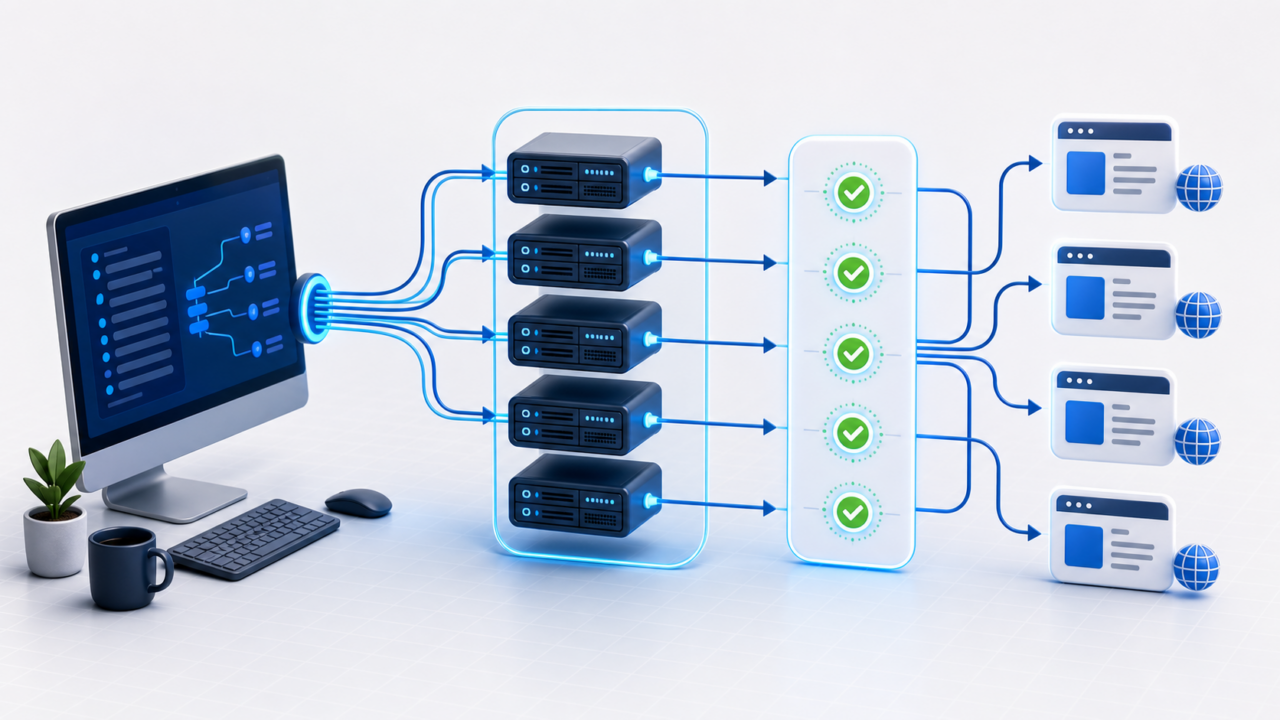
Chrome usually uses the operating system proxy settings unless a policy, extension or managed browser profile overrides them. That means the correct setup depends on whether you are configuring one desktop, a managed team machine or an isolated browser profile.
How Chrome handles proxy settings
On normal desktop installations, Chrome does not maintain a completely separate proxy panel. It opens the Windows or macOS network proxy settings. If Chrome is managed by an organization, proxy behavior may also be controlled by policy. If a proxy extension is installed, that extension can override both.
Before changing settings, decide whether the proxy should apply to the whole operating system, only Chrome or only one browser profile. For team workflows, one profile per task is often easier to audit than changing the global proxy repeatedly.
Set a proxy in Chrome on Windows
Open Chrome settings, search for “proxy,” and choose the option to open your computer proxy settings. Windows will show manual proxy configuration fields. Enter the proxy host and port exactly as provided. If your proxy uses username/password authentication, Chrome may prompt for credentials when the first request is made.
If the proxy uses source-IP authentication, make sure your current public IP is allowlisted before testing. If you are on a VPN, office network or cloud desktop, the allowlisted IP may not be the same as your home connection.
- Open Chrome Settings.
- Search for proxy.
- Open Windows proxy settings.
- Enable manual proxy if required.
- Enter host and port.
- Save, then test the exit IP.
Set a proxy in Chrome on Mac
On macOS, Chrome opens the system network proxy settings. Choose the active network service, open proxy settings and enter the proxy host and port for the appropriate protocol. If you need SOCKS, use the SOCKS field rather than the HTTP field.
Apple’s proxy settings guide for Mac explains the system panel. After saving, return to Chrome and test the observed IP.
Test Chrome after setup
Do not assume Chrome is using the proxy just because the setting was saved. Open a test page and confirm the exit IP. The Proxy Tester can help check endpoint behavior, and the Proxy Anonymity Checker can help inspect request information.
If the IP does not change, Chrome may be bypassing the proxy, using a different profile, controlled by policy or affected by an extension. Disable competing proxy extensions and test in a clean profile. For managed environments, review Google’s Chrome proxy policy documentation.
Common Chrome proxy problems
A credential popup usually means the proxy is reachable but authentication is not complete. A timeout usually means Chrome cannot reach the endpoint or the destination through that endpoint. A 407 means proxy authentication failed. A 403 or 429 from the website means the request reached the destination but was rejected or rate limited.
Use the proxy error 407 guide for authentication errors and the proxy error codes guide for status-code troubleshooting. Change only one setting at a time so you can see what fixed the issue.
When to use a Chrome proxy extension
A proxy extension can be useful when you need per-browser or per-profile routing without changing the operating system proxy. It can also make switching between approved endpoints faster. The risk is confusion: if both system proxy and extension proxy are active, you may not know which route is being used.
For isolated workflows, document profile name, owner, proxy endpoint, authentication method and last test date. The multi-account browser proxy guide covers this process in more detail.
Related checks before you scale
Before using the advice on a larger workflow, repeat the test from the same network, browser profile, server or automation worker that will run the real job. A proxy result from a laptop does not always match a cloud server, and a browser result does not always match a script. Keep the tested endpoint, protocol, source IP, target site and date in your notes so later failures are easier to compare.
If the proxy will be shared with a team, document who owns the endpoint, which task it supports, which authentication method is active and when it should be reviewed. That small operating record prevents accidental reuse, stale credentials and confusing test results. It also creates natural internal links between troubleshooting, testing and buying decisions instead of treating every proxy problem as a separate incident.
For HTTP-level errors, keep a neutral reference such as the MDN HTTP response status documentation nearby, but judge the final fix in the application that actually uses the proxy. Browser settings, automation libraries, command-line tools and server-side jobs can each handle proxy configuration differently. That is why every recommendation here ends with a real retest, not just a settings change.
A useful final note should include the proxy type, authentication method, observed exit IP, location, target domain, result code and the next owner. This turns a one-time fix into a repeatable operating procedure. Over time, those records also show whether a problem is isolated to one endpoint, one destination, one geographic route or one client configuration. Keep the note short enough that another person can reuse it during the next incident, but specific enough to avoid repeating the same diagnostic work. That balance is what makes troubleshooting content useful after publication.
FAQ
Where are Chrome proxy settings?
Chrome usually opens the operating system proxy settings. Search Chrome settings for proxy to reach the correct panel.
Does Chrome support SOCKS proxies?
Chrome can use SOCKS through system settings or launch configuration, but the exact setup depends on operating system and policy.
Why does Chrome ask for proxy credentials?
The proxy requires authentication and Chrome needs a valid username/password or allowed source IP.
Can I set a proxy only for Chrome?
Yes, usually through a proxy extension, launch flags or a managed browser profile rather than global system settings.
How do I know Chrome is using the proxy?
Check the observed exit IP after setup. It should show the proxy IP, not your real connection.
Next steps
After Chrome is configured, test the exit IP and response behavior. If you need stable browser routing, pair Chrome with tested private proxies and document each profile assignment.