
Proxy syntax and conversion guide
Proxy List Formats Explained: IP:Port, User:Pass, URL, cURL and JSON
Proxy lists contain the same core connection details in several syntaxes: protocol, hostname or IP, port and optional authentication. Applications disagree about field order, URL schemes and whether credentials belong in separate boxes. A correct endpoint can fail simply because the list was pasted in the wrong format. This guide explains the common representations, safe conversion rules and tests that prevent syntax errors from being mistaken for dead proxies.
Quick answer
What should you know first?
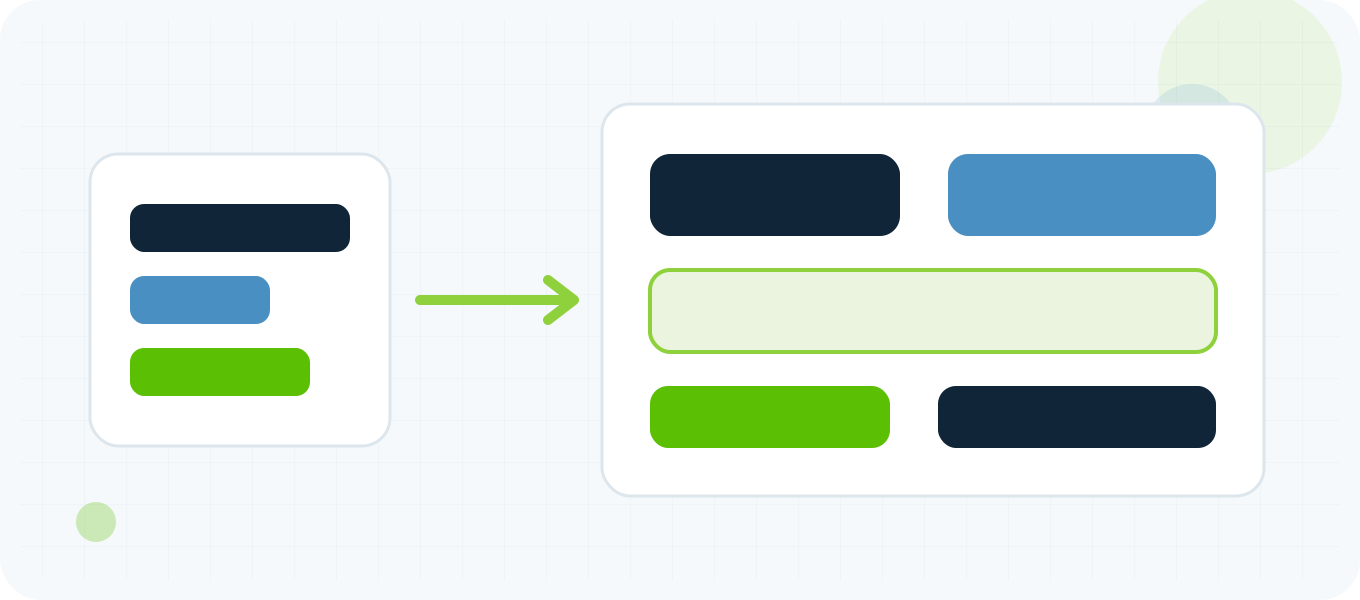
Identify the required application format before converting anything. Preserve host, port, username, password and protocol as separate fields, then serialize them into IP:port, IP:port:user:pass, user:pass@IP:port, a proxy URL, cURL arguments or structured JSON. Encode reserved characters in URLs and never publish real credentials in screenshots, logs or code repositories.
Every proxy record has a small set of fields
The network destination is a hostname or IP plus a port. The proxy protocol can be HTTP, HTTPS-to-proxy, SOCKS4, SOCKS4a, SOCKS5 or SOCKS5 with proxy-side DNS, depending on the client. Authentication may use a username and password, an authorized client IP or another method supported by the server. Format conversion should begin by parsing these fields into a structured record. Do not assume that four colon-separated values always use the same order: some providers export host:port:user:pass while some tools expect user:pass:host:port. Read the import label or documentation. When the protocol is not written, record it from the provider instructions rather than guessing from the port number.
Host and port is the simplest list format
The common `host:port` form works when authentication is not required or access is allowed by the client IP. IPv4 examples are easy to read because the address itself contains dots and the final colon separates the port. Hostnames work the same way. Raw IPv6 contains colons, so a URL or application field may require brackets around the address, such as `[2001:db8::10]:8080`. A naive split on every colon corrupts IPv6 and credential formats. A safe parser understands bracketed IPv6, validates that the port is numeric and within range, and rejects missing hosts. Keep the original line available for error reporting but do not echo credentials back to a public interface.
Authenticated colon formats require an agreed order
Provider dashboards often export `host:port:username:password` because it is easy to store one endpoint per line. Some desktop tools instead accept `username:password@host:port`, while others provide separate fields. The converter must know the source order and destination order. Passwords can contain colons or at signs, making a simple delimiter ambiguous. When credentials contain reserved characters, prefer separate input fields or a properly encoded URL. Do not change the username case, trim meaningful password characters or treat a failed parse as a failed proxy. Validate syntax first, then test authentication with a controlled request.
Proxy URLs include a scheme and require encoding
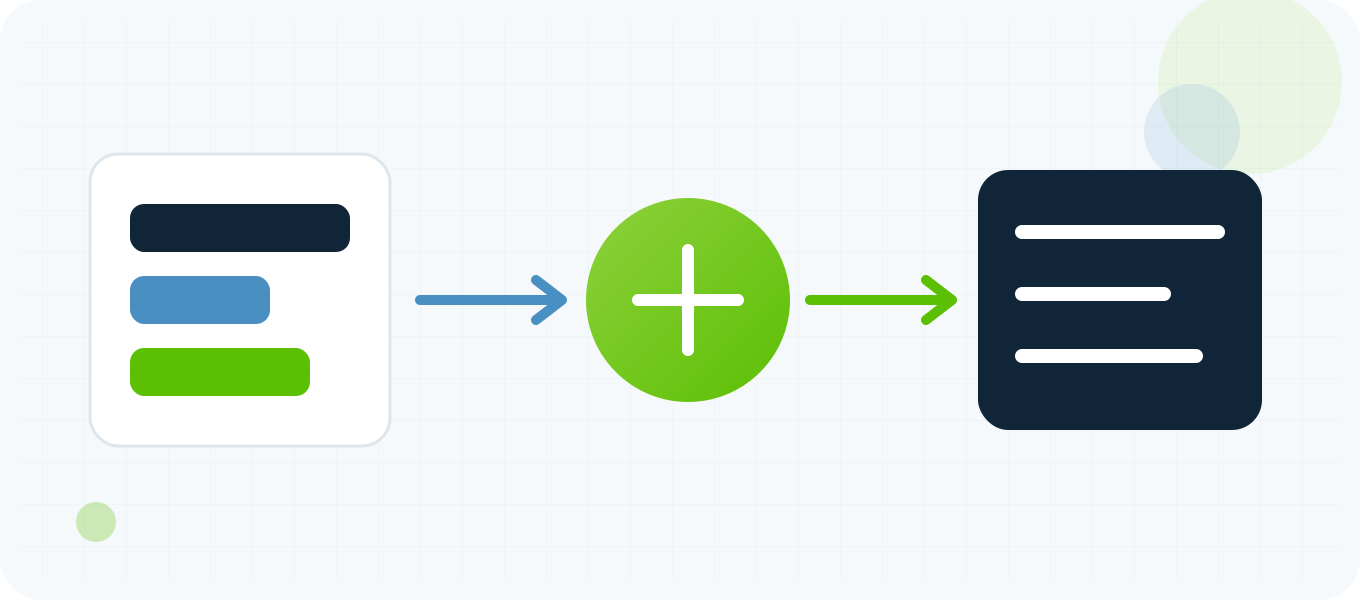
A proxy URL can look like `http://user:password@host:port` or `socks5h://user:password@host:port`. The scheme tells the client how to communicate with the proxy; it does not describe the destination website. curl documents HTTP, HTTPS, SOCKS4, SOCKS4a, SOCKS5 and SOCKS5 hostname-resolving prefixes. Reserved characters inside usernames or passwords must be percent encoded when embedded in a URL. For example, an at sign inside a password cannot remain a raw separator. Avoid placing credential URLs in browser history, shell history or analytics. For production automation, use a secret manager or protected environment and construct the client configuration at runtime.
cURL separates proxy and proxy credentials cleanly
curl accepts a proxy with `–proxy` or `-x` and can receive proxy credentials through `–proxy-user` or `-U`. Separating credentials avoids some URL-encoding mistakes and makes the protocol explicit. Use `–connect-timeout`, `–max-time` and `–write-out` when testing so a dead endpoint does not hang the batch and results are measurable. Add `–verbose` only to a protected diagnostic session because verbose output can reveal headers and connection details. A successful curl process is not sufficient by itself: record the HTTP status, visible exit IP or target response and relevant timing fields. The target can return an application error even when the proxy connection succeeded.
Python and other libraries use structured configuration
Python Requests expects a mapping whose keys identify destination schemes and whose values are proxy URLs. The project documentation notes that proxy URLs need a scheme and that environment variables can override session configuration. SOCKS support requires the optional dependency, and `socks5` versus `socks5h` changes where DNS resolution occurs. Other libraries may use an agent object, connector or browser launch argument. Do not paste one format into every tool. Translate a validated record into the native client interface, set explicit connect and read timeouts, and classify exceptions. Store secrets outside source code. Structured configuration is easier to validate than concatenating strings throughout the application.
JSON and CSV are storage formats not proxy protocols
JSON can preserve fields explicitly, for example protocol, host, port, username, password label and location metadata. CSV can work for spreadsheets but needs correct quoting when fields contain commas, quotes or newlines. Neither format tells the client how to open a connection until code maps the fields into its proxy API. Avoid using a single unencrypted JSON file as a credential vault. If an export must contain secrets, limit permissions, encrypt it at rest, set a short retention period and keep it out of version control. For sharing test results, store a proxy identifier or masked address rather than the password. Separate inventory data from performance measurements so an updated test does not overwrite the source credentials.
Conversion should be followed by validation and one real test
A formatter can confirm structure, normalize line endings, remove empty rows and report duplicates. It cannot prove that a proxy is online, authorized for your client IP or compatible with the target. After conversion, validate host, port, protocol and credential presence. Test one endpoint against a simple IP-check service, then test the actual destination with conservative timeouts. Distinguish parse errors, DNS failures, connection refusals, proxy authentication errors, TLS errors and target HTTP responses. If many converted entries fail with the same authentication status, recheck the field order before discarding the list. This sequence prevents a formatting mistake from being misclassified as a provider outage.
Repeatable workflow
Recommended step-by-step process
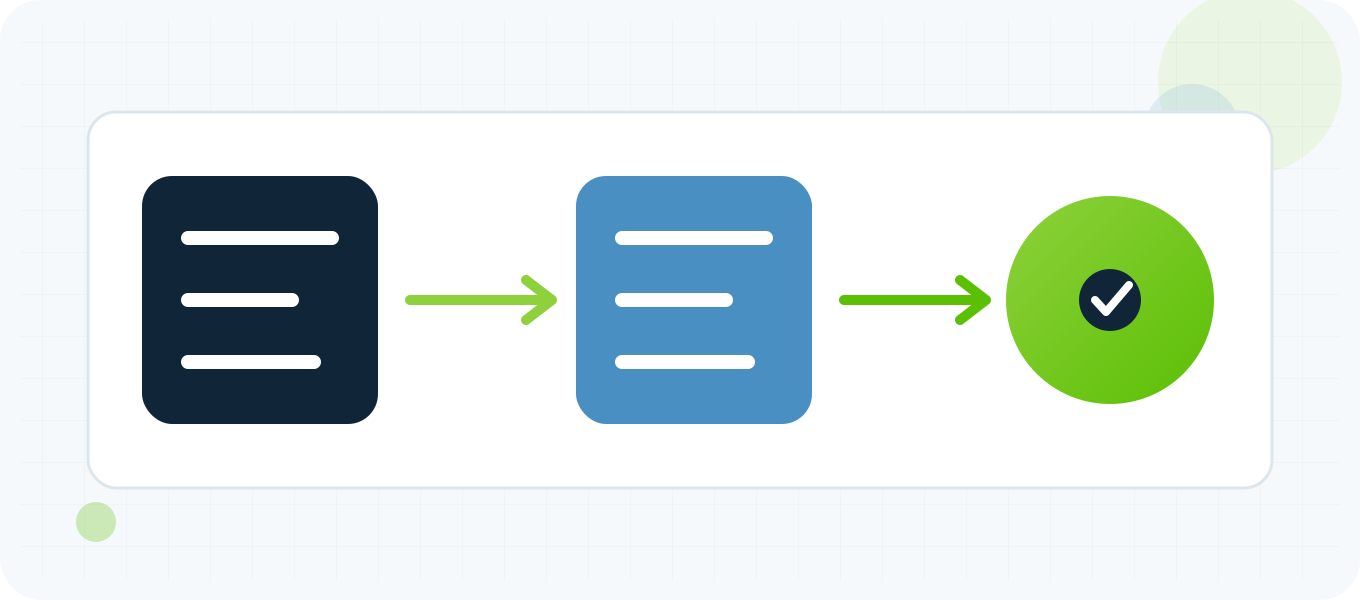
- Identify the exact import format and proxy protocol required by the destination tool.
- Parse host, port, username and password into separate validated fields.
- Handle bracketed IPv6 and reserved credential characters explicitly.
- Serialize the record into the required list, URL, cURL, Python or JSON syntax.
- Mask credentials in previews, logs, screenshots and exported test reports.
- Test one converted endpoint with explicit timeouts before converting the full list.
- Classify syntax, authentication, network and target errors separately.
Troubleshooting common results
| Result | What to check next |
|---|---|
| Every endpoint returns authentication errors | Confirm whether the source is host:port:user:pass or user:pass:host:port and whether access requires IP authorization. |
| A password containing @ breaks the URL | Percent encode reserved characters or provide credentials through separate client fields such as curl –proxy-user. |
| IPv6 lines split into too many fields | Use bracketed IPv6 in host-and-port syntax and an IPv6-aware parser instead of splitting on every colon. |
| Python ignores the configured proxy | Pass the proxies mapping on the request and inspect environment proxy variables that can override session settings. |
| The formatter succeeds but the target fails | Formatting proves syntax only. Test connectivity, authentication, DNS, TLS and target response as separate stages. |
Related BuyProxies resources
Frequently asked questions
Proxy List Formats Explained: IP:Port, User:Pass, URL, cURL and JSON FAQ
What is the most common proxy list format?
Host:port is the simplest. Authenticated lists commonly use host:port:user:pass, but applications can require a different order or separate fields.
Should an HTTP proxy use an https URL?
Use the scheme required by the client and proxy transport. An HTTP proxy can still tunnel an HTTPS destination through CONNECT; destination HTTPS does not automatically mean the proxy URL is https.
How do I include special characters in a proxy password?
Use separate credential fields when possible. If credentials are embedded in a URL, percent encode reserved characters according to the client documentation.
Can JSON make a proxy list more secure?
JSON is only a structured storage format. Security depends on encryption, file permissions, secret handling, logging and retention.
Does successful formatting prove that the proxies work?
No. Formatting validates structure. You still need a controlled connection, authentication, exit-IP and target compatibility test.
Use evidence you can reproduce
Build the result from separate checks
Treat proxy formatting as a deterministic transformation, not a connectivity test. Parse fields once, serialize them for the exact client, protect credentials and test a sample before scaling. When syntax, authentication, network and target outcomes are recorded separately, list conversion becomes predictable and failed imports are much easier to diagnose.