
IP geolocation troubleshooting
Why Is My IP Location Wrong? IP Geolocation Accuracy Explained
An IP location result is an estimate attached to a network address, not a GPS reading from your device. The city can be a network hub, an ISP registration location or the center of an accuracy area. Different sites may use different databases and update schedules, so the same IP can appear in different places. This guide shows how to diagnose the mismatch without assuming that one map pin represents a precise user location.
Quick answer
What should you know first?
Your IP location can be wrong because databases infer location from routing, network submissions and observed signals; blocks move, providers update at different times, mobile and privacy networks aggregate users, and browser GPS is separate from IP geolocation. Confirm the public exit IP, compare multiple reputable sources and interpret city results with an accuracy radius.
IP geolocation estimates a network location
A website sees a public source IP and can compare it with a geolocation database. That database may return country, region, city, coordinates, time zone and an accuracy radius. The coordinates usually represent a point associated with a broader area, not the device address. MaxMind explicitly warns that IP geolocation is not precise enough to locate a household, person or street address. Country-level results are generally more dependable than city-level results, while mobile carriers, satellite networks, corporate gateways and privacy services can reduce precision. Read the location as a confidence-limited network estimate. If a service displays a marker without an accuracy radius, the visual can look more exact than the underlying data supports.
The public exit IP may not be the address you expected
Before blaming a database, verify the IP used by the exact application. A browser can use a configured proxy while another app connects directly. A VPN extension may affect one browser profile but not the operating system. IPv6 can bypass an IPv4-only route, and split tunneling can send selected destinations outside the proxy. Corporate gateways and carrier-grade NAT can also present a shared exit. Check the public IPv4 and IPv6 address while the target application is active, then compare it with the endpoint you intended to use. A perfect geolocation record for the wrong exit IP still produces the wrong result for the workflow.
Registration country routing country and geolocation can differ
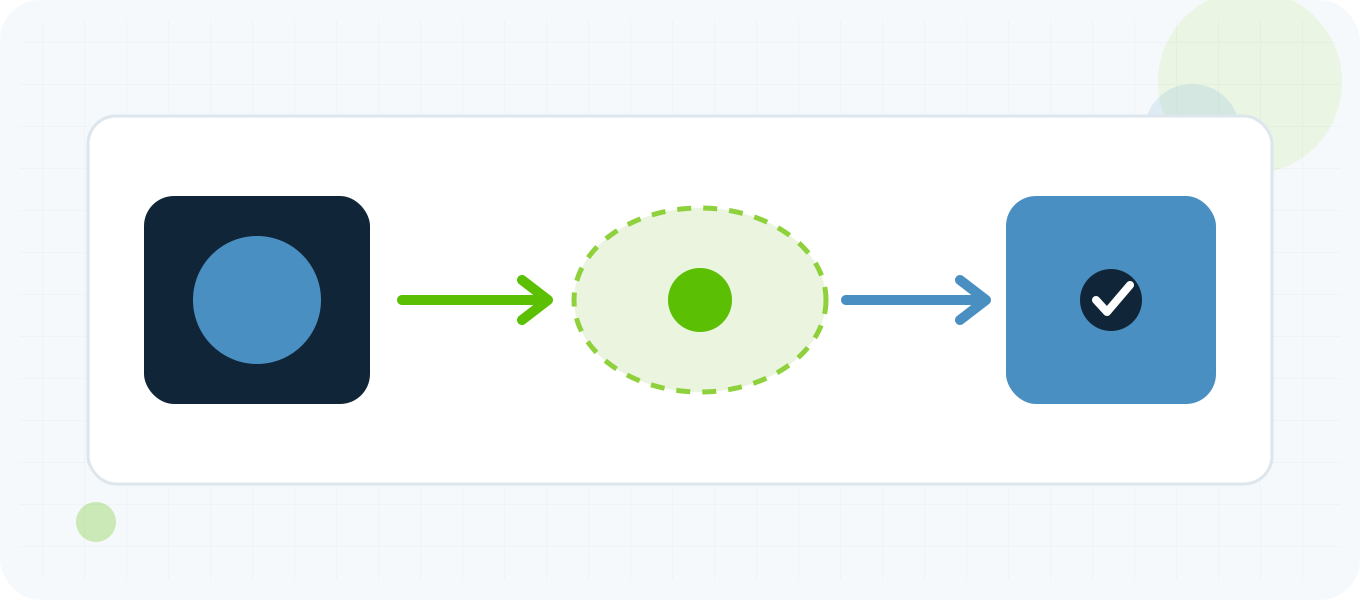
An IP block can be registered to a company in one country, announced by an ASN operating in several regions and used from a datacenter in another country. WHOIS or RDAP registration data answers who manages the range; BGP shows how the prefix is routed; geolocation estimates where an exit is used. These values can differ without any record being fraudulent. Avoid copying the country from a registration address into a location claim. For proxy verification, check the actual exit against more than one geolocation source and test the destination that matters. Some services apply their own commercial database, so a correct result in one public checker may not immediately change the target application.
IP blocks move faster than every database updates
Networks buy, lease, transfer and redeploy address space. A provider can move a prefix from one facility to another while third-party databases still retain the previous location. Vendors release updates on different schedules and use different correction pipelines. Cached application data can extend the delay. When a recently moved block is wrong, document the prefix, current routing evidence, intended location and the date the change occurred. Submit corrections through the geolocation provider processes used by the affected service. Rechecking the same public tool every few minutes will not accelerate a scheduled data release, and changing the proxy repeatedly makes the evidence harder to interpret.
Mobile satellite and privacy networks are intentionally broad
Mobile carriers often route users through centralized gateways, so the visible IP can correspond to a city far from the device. Satellite networks and corporate security services may exit from regional points of presence. VPNs and proxies intentionally separate the user network from the public exit. In these cases, a database may correctly locate the network gateway while appearing wrong for the human user. Do not use an IP city to make high-impact assumptions about an individual. If an application genuinely needs device location, it should request an appropriate location signal with user permission and communicate why it is needed rather than treating IP geolocation as precise GPS.
Browser location permissions are a separate signal
A browser can expose location through the Geolocation API after permission, using GPS, Wi-Fi, cellular and other device signals. That result is separate from the public IP. A proxy can change the network exit without changing browser coordinates, saved account country, billing country, language, time zone or cookies. This explains why a map can show one location while an IP checker shows another. For regional QA, record each signal explicitly and change only what the test requires. Trying to make every field look identical can obscure which control actually changed the application response and can create unnecessary account-security challenges.
Different sites use different vendors and business rules
One application may use MaxMind, another may use a different commercial database and a third may maintain overrides for fraud or licensing decisions. Some services use country only; others combine IP data with account history, payment details, device settings or regulatory rules. A disagreement between two websites therefore does not prove that either checker is broken. Identify the service whose behavior matters, capture the result, and ask which data source or correction channel it supports. For a proxy purchase, verify the location before scaling and retain the endpoint identifier. If a required target persistently classifies the route incorrectly, a different verified endpoint can be more practical than waiting for every database to converge.
Diagnose the mismatch with a controlled checklist
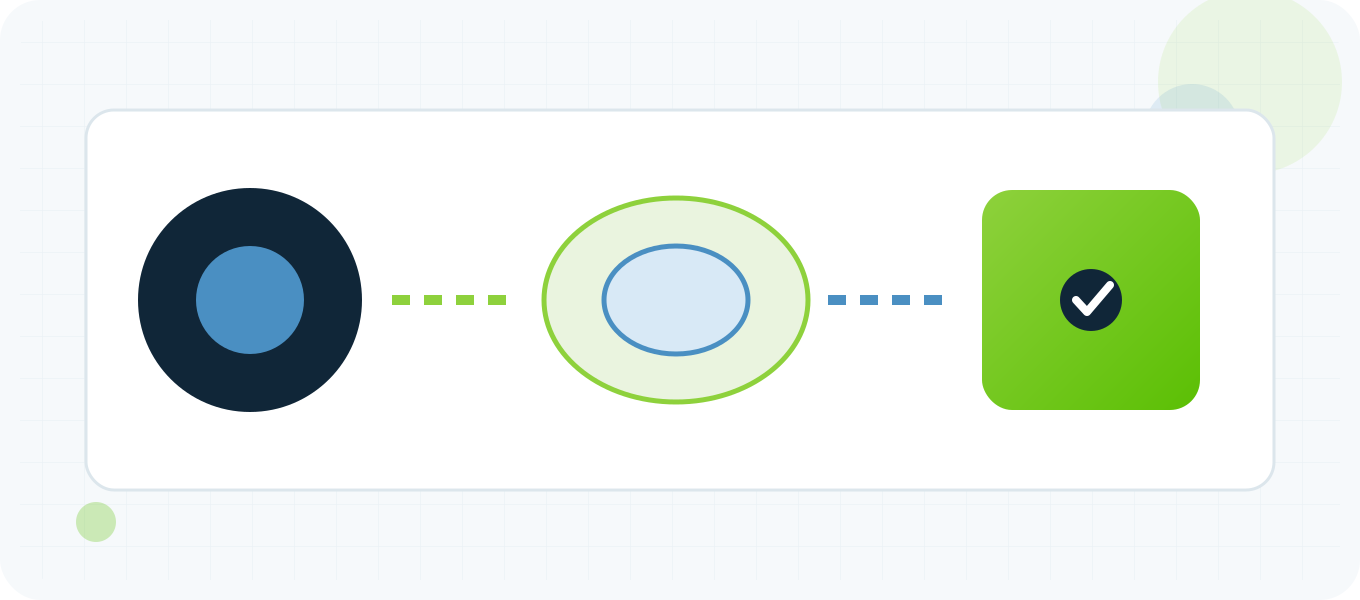
Start with a clean browser profile and record the expected proxy, visible IPv4 and IPv6, DNS route, time and target URL. Compare the result across two reputable geolocation sources and note their country, city and accuracy information. Look up the prefix and ASN for context, but do not substitute registration country for location. Repeat the target check without changing language, cookies or account state. If only one service is wrong, use its documented correction or support path. If every source shows the same unexpected country, confirm that the endpoint was assigned as intended. A controlled record is more useful than a screenshot of a single map pin.
Repeatable workflow
Recommended step-by-step process
- Confirm the intended proxy endpoint and protocol before opening the target.
- Check public IPv4 and IPv6 from the same application session.
- Compare country, city and accuracy information across two reputable databases.
- Review WHOIS/RDAP and ASN only as ownership and routing context.
- Test the actual destination without changing cookies, language or account state.
- Document the mismatch and use the affected provider correction channel.
- Replace the endpoint only after the route and assignment have been verified.
Troubleshooting common results
| Result | What to check next |
|---|---|
| The country is correct but the city is wrong | Treat the city as an estimate and review the accuracy radius. Test the target behavior at country level before rejecting the endpoint. |
| The browser and operating system show different IPs | Check proxy scope, split tunneling, extensions and IPv6. The applications are probably using different routes. |
| Only one website shows the wrong country | That service likely uses a different database or cached override. Capture the evidence and use its supported correction path. |
| The IP location changed after reconnecting | A rotating or pooled service may have assigned a different exit. Record endpoint identifiers and use a stable assignment for repeatable QA. |
| GPS still shows the real location | A network proxy does not change device GPS or browser geolocation permission data. Treat those signals separately. |
Related BuyProxies resources
Frequently asked questions
Why Is My IP Location Wrong? IP Geolocation Accuracy Explained FAQ
Can an IP address reveal my exact home address?
No. IP geolocation is a network estimate and is not designed to identify a household, individual or street address.
Why do two IP checkers show different cities?
They can use different databases, inputs, accuracy models and update schedules. Compare country and accuracy information before focusing on the map pin.
Does a proxy change browser GPS location?
No. It changes the public network route. GPS and browser geolocation permission data are separate signals.
How long does an IP location correction take?
It depends on the database provider and the application refresh schedule. Document the prefix and correction date rather than expecting every service to update immediately.
Should I reject a proxy when the city is wrong?
Reject it if the required target classifies the route incompatibly with your documented need. For many workflows, verified country, target compatibility and stable performance matter more than an estimated city.
Use evidence you can reproduce
Build the result from separate checks
Treat IP location as an estimate with a purpose, source and confidence level. Confirm the application route first, then compare databases and test the real destination. Separating exit IP, registration, routing, geolocation and device location makes regional QA repeatable and prevents a single map pin from becoming an unsupported claim.
Order clarity
What you receive
- What you receive
Proxy connection details for the package processed through the live order form.
- Protocols
HTTP or SOCKS5 options are shown during configuration for supported packages.
- Authentication
Set the requested proxy credentials during configuration before checkout.
- Locations
Current location availability is shown in the selector and can change with inventory.
- Support and checking
Support can help verify connection details and review replacement requests under the service policy.