
Decentralized social network guide
Bluesky Proxies: AT Protocol Testing, Benefits and Risks
Bluesky combines a social application with the open AT Protocol and multiple service roles. Proxies can help test routes to public services or a PDS, but they do not change an account DID, service policy or API limits.
Quick answer
Are proxies useful for this social media workflow?
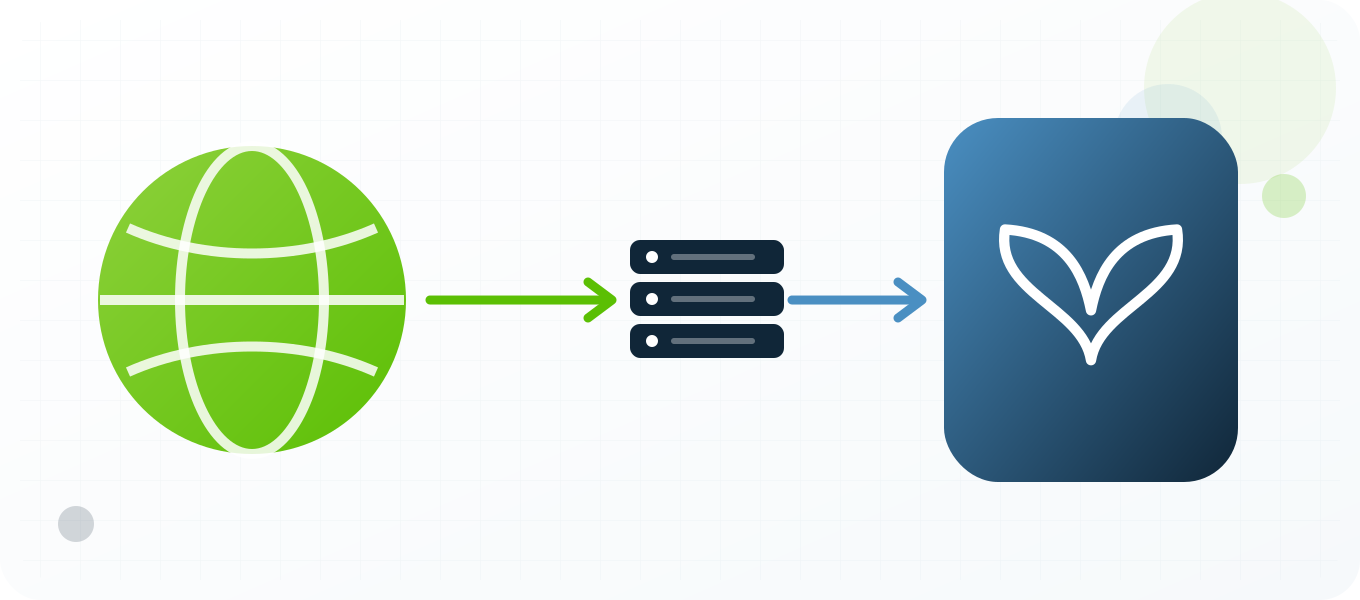
Use a stable private proxy when you need a controlled Bluesky network route for testing public app access, PDS connectivity or an authorized AT Protocol client. Verify location and reputation first, keep one IP for stateful sessions, document the result and follow Bluesky rules. A proxy changes the visible network path; it does not guarantee account safety, approval, reach or access.
What a Bluesky proxy changes
A proxy changes the network route used to reach Bluesky. The service normally sees the proxy exit IP, its approximate location, its network owner and the timing characteristics of that route instead of the direct connection. That can be useful when testing public app access, PDS connectivity or an authorized AT Protocol client. It does not replace the account, device, cookies, browser profile or application credentials. It also does not make prohibited behavior acceptable. Because Bluesky is built on a decentralized protocol, the relevant destination may be an AppView, identity service, relay or user PDS rather than one website. Treat the proxy as one controlled network variable inside a documented test, not as a complete identity layer.
What a proxy does not hide
Social platforms evaluate more than an IP address. They can consider account history, authentication events, device information, cookies, language, timezone, application version, content patterns, interaction patterns and recovery signals. A clean IP cannot repair a compromised account or make a poor workflow trustworthy. If the visible country changes while the device, language and normal account history point somewhere else, the result can be harder to interpret. Keep the non-network context stable, record intentional changes and use the platform's official security and recovery processes when an account is challenged.
Legitimate reasons to use proxies with Bluesky
The strongest use cases are measurable and authorized. Teams can review the Bluesky app, public AppView endpoints, identity resolution and a selected PDS host from a selected market, reproduce a customer connection problem, verify whether public content or a landing page is localized correctly, separate a staging test from ordinary office traffic and monitor service quality from more than one region. Agencies may also need controlled network separation for accounts they are contractually authorized to manage. Public-interest researchers can use a proxy for repeatable access to public pages, subject to law, robots rules, rate limits and Bluesky policy. None of these tasks requires fake engagement or deceptive account creation.
Choose a proxy type around the session
A static dedicated proxy is the clearest starting point for a login, support session or browser profile because the route remains stable while the work is in progress. A semi-dedicated proxy can be economical for lower-risk public checks, but its reputation may be influenced by other users. Rotation is better reserved for stateless, public and explicitly permitted measurements where each request can stand on its own. Do not rotate in the middle of authentication, profile editing, checkout, recovery or a long live session. The right question is not which proxy rotates fastest; it is which assignment makes the test reproducible and consistent with platform rules.
Location, latency and reputation
Choose a location that matches the market being tested and is close enough to keep latency practical. Confirm the exit country with an independent IP checker before opening Bluesky. Then measure connection time, page or API response time and the result of the exact test. Reputation matters because a working IP can still have a noisy history. A failed request on one destination does not prove the proxy is offline, and a successful IP check does not prove that every Bluesky feature will work. Test both the network and the target surface, and keep those results separate.
Account and credential safety
Keep proxy credentials in a password manager or server-side secret store, never in screenshots, shared documents, browser bookmarks or source control. Give each authorized operator only the access needed for the task. Use multifactor authentication on the social account and keep recovery details current. When a third-party application is required, prefer OAuth or another official authorization flow over sharing the account password. Use the documented AT Protocol services, public endpoints and scoped credentials. For public web use cases, Bluesky documentation recommends its cached public API host where appropriate. A proxy should not become an excuse to weaken account security; it should make the network path easier to control and audit.
Rules, automation and responsible limits
Bluesky Community Guidelines prohibit spam, deceptive accounts, artificial manipulation and attempts to abuse APIs, rate limits or enforcement systems. Read the current rules before building a workflow because platform policies and API limits change. Avoid unsolicited messaging, artificial engagement, copied content at scale, deceptive identities, unauthorized collection and attempts to circumvent enforcement. If automation is allowed, use the official API, request the minimum scopes, respect rate-limit headers and provide meaningful backoff. A proxy does not grant permission to automate a website or exceed a service limit. Stop the test when the platform returns a policy warning, access challenge or repeated rate-limit response, then review the method rather than adding more IP addresses.
How to measure a useful result
Define success before the test. A regional QA check might require the expected language, market-specific creative, correct redirect, stable page load and a screenshot with timestamp and exit location. A support investigation might require a reproducible error, browser version, proxy identifier, status code and elapsed time. An authorized API integration should log request IDs, rate-limit headers and retry decisions without logging tokens or personal data. These records make the result useful to another person and prevent guesswork. They also show whether a proxy improved the workflow or merely changed the visible IP.
When not to use a proxy
Do not add a proxy when direct access already provides the evidence you need, when the platform requires a specific approved integration, or when the proposed activity would violate a contract, law or platform rule. Do not use a proxy to conceal harassment, impersonation, spam, fraudulent promotion or unauthorized account access. If the task depends on creating misleading identities or manipulating metrics, the problem is the task, not the proxy configuration. For sensitive accounts, a familiar direct connection with strong authentication can be safer than introducing an unnecessary new route.
Map the AT Protocol service before testing
A Bluesky client may resolve a handle through DNS, create a session with the account PDS, read a feed from an AppView and fetch media from another host. Testing only bsky.app can miss the dependency that actually fails. Draw the request path and name every host involved. Then send one diagnostic request through the proxy at a time. Record TLS, DNS, status code and service role. This service map makes decentralized failures understandable and prevents an operator from rotating through IPs while the real problem is an unavailable PDS or identity record.
Public data and authenticated actions need different credentials
Many public Bluesky lookups do not require a user session, while repository writes and private operations do. Use the public API host for suitable read-only cases and keep application passwords or tokens only for actions that need them. Never place a real token in a browser screenshot or proxy URL. For a client test, use a dedicated account, label it honestly and keep write operations small. Rate-limit compliance and community rules apply even when the underlying protocol is open and the infrastructure is distributed.
Advantages
- Compare connectivity to AppView and PDS services from different routes.
- Test a client against a documented outbound network without changing the developer machine.
- Reproduce regional DNS, identity-resolution or media-delivery failures.
- Keep staging service traffic separate from ordinary browsing.
- Measure rate-limit and retry handling in an authorized client.
Disadvantages
- Different AT Protocol services can fail independently, so one IP test is incomplete.
- A proxy does not alter DID, PDS ownership, handle resolution or moderation labels.
- Rate limits may apply by account, PDS, service or IP and must all be respected.
- Rotation can obscure which service or route caused an error.
- Credential exposure is still possible if tokens are logged with proxy diagnostics.
Repeatable process
Recommended workflow
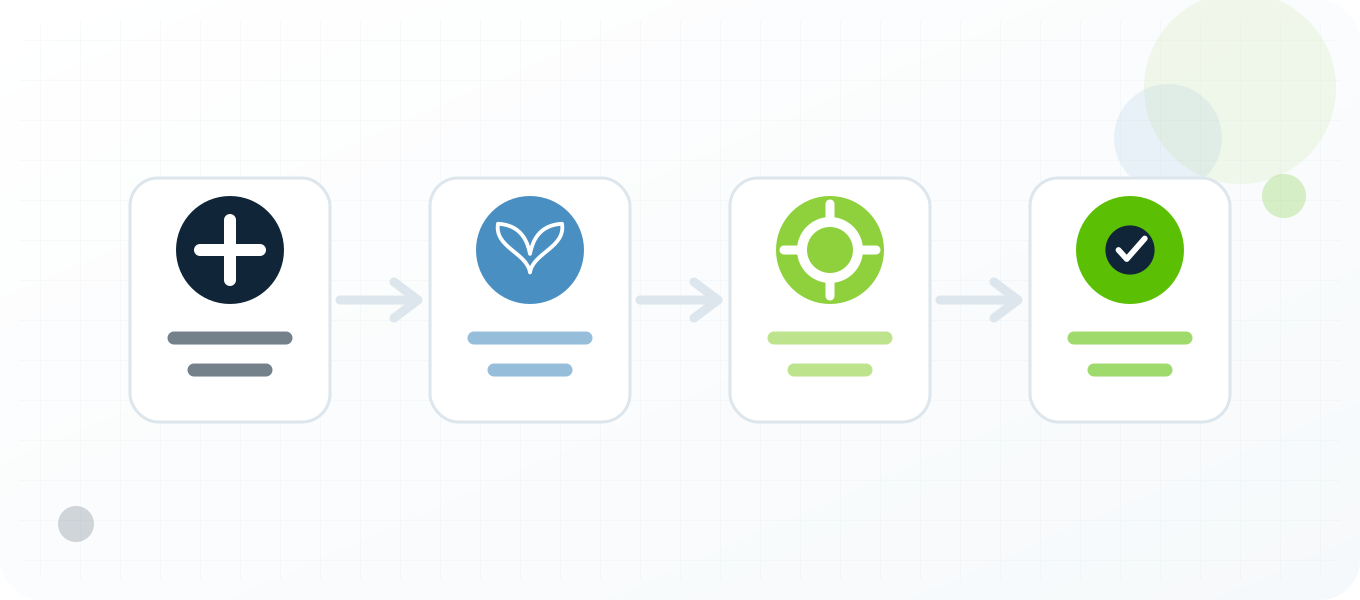
- Map the exact AT Protocol service involved in the test.
- Select a stable proxy and verify DNS, TLS and exit location.
- Test public endpoints before adding an authenticated session.
- Use an application password or scoped token appropriate to the client.
- Record service host, response status and rate-limit headers.
- Back off on 429 responses and keep retries within the same documented route.
- Remove tokens from logs and compare direct versus proxy results.
Troubleshooting
| Symptom | What to check |
|---|---|
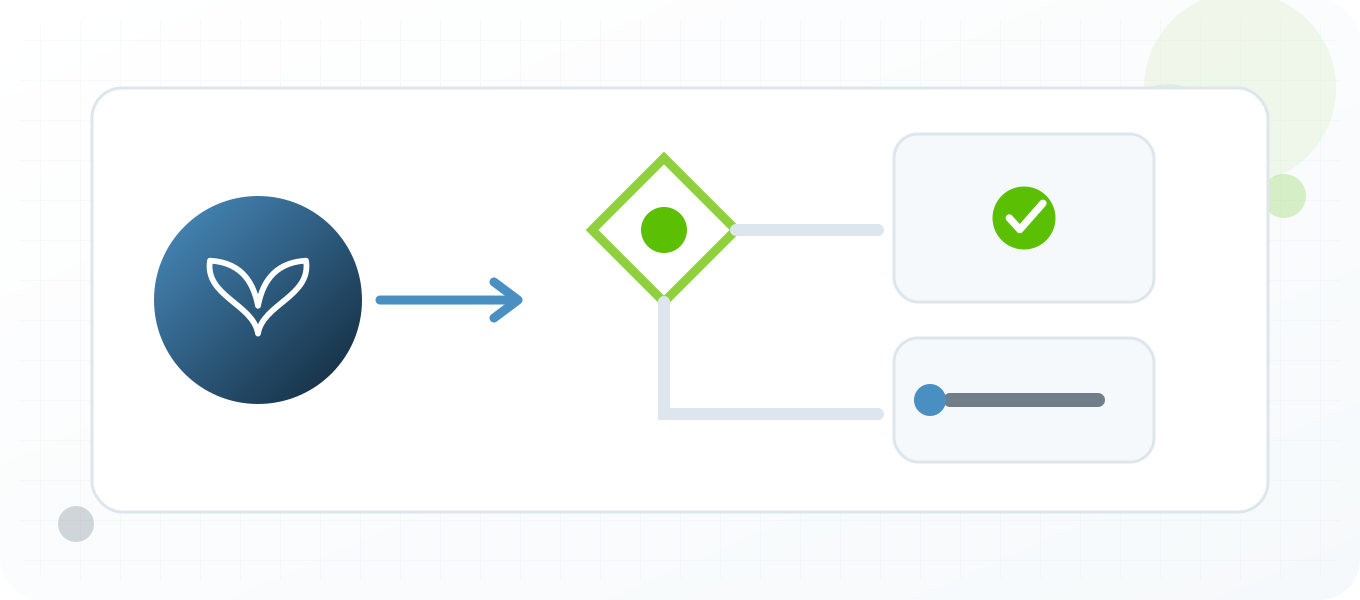
| Public API works but login fails | Identify the account PDS and check session limits, credentials and service availability separately. |
| Handle does not resolve | Check DNS and identity resolution rather than assuming the proxy is offline. |
| Requests return 429 | Respect the host-specific limit and reset guidance; do not rotate IPs to defeat the service limit. |
| Media differs from feed data | Test the blob or CDN destination and the AppView as separate dependencies. |
Related BuyProxies guides
Official references
Frequently asked questions
Bluesky Proxies: AT Protocol Testing, Benefits and Risks FAQ
Does a Bluesky proxy change an account DID?
No. A DID and its service relationships are protocol identity data, not a result of the current exit IP.
Which Bluesky host should I test?
Identify whether the problem involves the public API, AppView, identity service, media host or the account PDS.
Can I rotate proxies after a Bluesky 429?
No. Respect the relevant service limit and retry window. Rotation is not a substitute for rate-limit compliance.
Are Bluesky proxies useful for client development?
They can help reproduce routing and regional failures when used with official protocol documentation and controlled credentials.
What makes Bluesky testing different?
The network contains multiple services and providers, so the report must name the exact host and role being tested.
Start with a controlled test
Choose a proxy setup you can explain
Start with one Bluesky test, one documented purpose and one verified private proxy. Keep the DID, handle, PDS, application password or token, client behavior and moderation context consistent, capture the expected and actual result, and expand only after the workflow is stable. BuyProxies provides dedicated HTTP and SOCKS5 options plus testing guides, but the operator remains responsible for platform compliance, account authorization and the quality of every action.
Order clarity
What you receive
- What you receive
Proxy connection details for the package processed through the live order form.
- Protocols
HTTP or SOCKS5 options are shown during configuration for supported packages.
- Authentication
Set the requested proxy credentials during configuration before checkout.
- Locations
Current location availability is shown in the selector and can change with inventory.
- Support and checking
Support can help verify connection details and review replacement requests under the service policy.