
Social media proxy guide
X (Twitter) Proxies: Benefits, Risks and Responsible Setup
X proxies can support regional content checks, brand-support workflows and authorized application testing when the network route must be controlled. This guide explains the practical benefits and disadvantages without treating an IP address as a shortcut around X rules.
Quick answer
Are proxies useful for this social media workflow?
Use a stable private proxy when you need a controlled X network route for testing regional timelines, links, ads or an authorized brand workflow. Verify location and reputation first, keep one IP for stateful sessions, document the result and follow X rules. A proxy changes the visible network path; it does not guarantee account safety, approval, reach or access.
What a X proxy changes
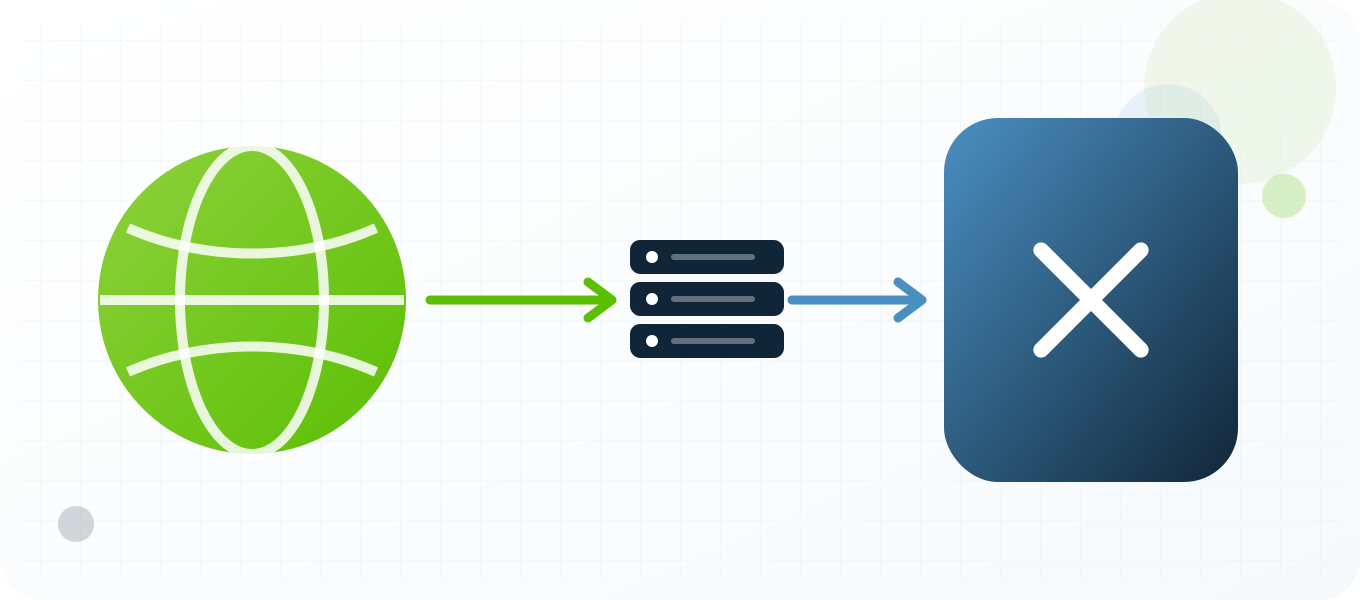
A proxy changes the network route used to reach X. The service normally sees the proxy exit IP, its approximate location, its network owner and the timing characteristics of that route instead of the direct connection. That can be useful when testing regional timelines, links, ads or an authorized brand workflow. It does not replace the account, device, cookies, browser profile or application credentials. It also does not make prohibited behavior acceptable. On X, a browser session and an API integration are different systems: network routing that is acceptable for QA does not authorize website scripting. Treat the proxy as one controlled network variable inside a documented test, not as a complete identity layer.
What a proxy does not hide
Social platforms evaluate more than an IP address. They can consider account history, authentication events, device information, cookies, language, timezone, application version, content patterns, interaction patterns and recovery signals. A clean IP cannot repair a compromised account or make a poor workflow trustworthy. If the visible country changes while the device, language and normal account history point somewhere else, the result can be harder to interpret. Keep the non-network context stable, record intentional changes and use the platform's official security and recovery processes when an account is challenged.
Legitimate reasons to use proxies with X
The strongest use cases are measurable and authorized. Teams can review public posts, profile pages, promoted destinations and support experiences from a selected market, reproduce a customer connection problem, verify whether public content or a landing page is localized correctly, separate a staging test from ordinary office traffic and monitor service quality from more than one region. Agencies may also need controlled network separation for accounts they are contractually authorized to manage. Public-interest researchers can use a proxy for repeatable access to public pages, subject to law, robots rules, rate limits and X policy. None of these tasks requires fake engagement or deceptive account creation.
Choose a proxy type around the session
A static dedicated proxy is the clearest starting point for a login, support session or browser profile because the route remains stable while the work is in progress. A semi-dedicated proxy can be economical for lower-risk public checks, but its reputation may be influenced by other users. Rotation is better reserved for stateless, public and explicitly permitted measurements where each request can stand on its own. Do not rotate in the middle of authentication, profile editing, checkout, recovery or a long live session. The right question is not which proxy rotates fastest; it is which assignment makes the test reproducible and consistent with platform rules.
Location, latency and reputation
Choose a location that matches the market being tested and is close enough to keep latency practical. Confirm the exit country with an independent IP checker before opening X. Then measure connection time, page or API response time and the result of the exact test. Reputation matters because a working IP can still have a noisy history. A failed request on one destination does not prove the proxy is offline, and a successful IP check does not prove that every X feature will work. Test both the network and the target surface, and keep those results separate.
Account and credential safety
Keep proxy credentials in a password manager or server-side secret store, never in screenshots, shared documents, browser bookmarks or source control. Give each authorized operator only the access needed for the task. Use multifactor authentication on the social account and keep recovery details current. When a third-party application is required, prefer OAuth or another official authorization flow over sharing the account password. For programmatic work, use the X API and OAuth scopes that match the approved application. Do not substitute browser scripting when the API or developer agreement requires an official interface. A proxy should not become an excuse to weaken account security; it should make the network path easier to control and audit.
Rules, automation and responsible limits
X prohibits spam, artificial amplification and automation that does not follow its development rules. Its current automation guidance warns against non-API website scripting and unsolicited automated interactions. Read the current rules before building a workflow because platform policies and API limits change. Avoid unsolicited messaging, artificial engagement, copied content at scale, deceptive identities, unauthorized collection and attempts to circumvent enforcement. If automation is allowed, use the official API, request the minimum scopes, respect rate-limit headers and provide meaningful backoff. A proxy does not grant permission to automate a website or exceed a service limit. Stop the test when the platform returns a policy warning, access challenge or repeated rate-limit response, then review the method rather than adding more IP addresses.
How to measure a useful result
Define success before the test. A regional QA check might require the expected language, market-specific creative, correct redirect, stable page load and a screenshot with timestamp and exit location. A support investigation might require a reproducible error, browser version, proxy identifier, status code and elapsed time. An authorized API integration should log request IDs, rate-limit headers and retry decisions without logging tokens or personal data. These records make the result useful to another person and prevent guesswork. They also show whether a proxy improved the workflow or merely changed the visible IP.
When not to use a proxy
Do not add a proxy when direct access already provides the evidence you need, when the platform requires a specific approved integration, or when the proposed activity would violate a contract, law or platform rule. Do not use a proxy to conceal harassment, impersonation, spam, fraudulent promotion or unauthorized account access. If the task depends on creating misleading identities or manipulating metrics, the problem is the task, not the proxy configuration. For sensitive accounts, a familiar direct connection with strong authentication can be safer than introducing an unnecessary new route.
Regional X checks need a fixed evidence plan
A useful regional review starts with a specific public post, profile, campaign link or customer report. Save the original URL and define the expected country behavior before opening the proxy route. After confirming the exit location, capture the same page with the same browser size, consent state and language. X timelines can change between requests, so a feed screenshot alone is weak evidence. Prefer stable objects such as a named post, profile field or linked destination, and record whether the result came from the public web experience or an authenticated account.
Brand support and developer work should stay separate
A customer-support operator and an API application have different permissions and audit needs. The support profile should use a stable browser route, individual operator access and multifactor authentication. The developer application should use OAuth, scoped tokens, request IDs and rate-limit telemetry. Do not move browser cookies into a script or share an application token with human operators. Separating these paths makes it easier to revoke one type of access, investigate an incident and show that every action came from an authorized tool.
Advantages
- Reproduce how public X pages and linked destinations appear from a selected country.
- Separate authorized brand-support sessions from ordinary office browsing.
- Test network-dependent application behavior without changing the developer workstation route.
- Keep a consistent exit IP for a documented support or moderation session.
- Compare latency and availability across markets using the same test steps.
Disadvantages
- A new IP can trigger additional verification when it conflicts with normal account history.
- Rotation can interrupt login state and make incidents harder to reproduce.
- An IP does not hide device, cookie, OAuth, behavioral or content signals.
- Poor-reputation networks may produce blocks even when the proxy itself is online.
- Website automation can violate X rules even when every request uses a different proxy.
Repeatable process
Recommended workflow
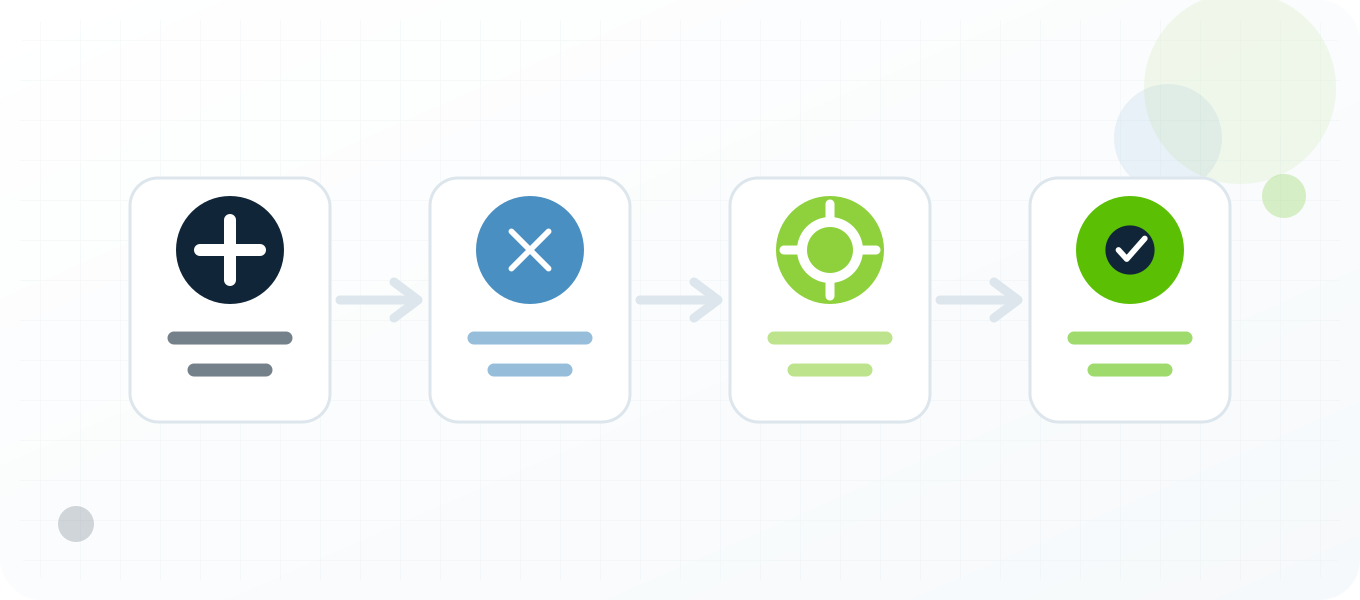
- Write down the page, market and expected result before connecting.
- Select one dedicated proxy near the target market and record its identifier.
- Test the proxy independently, then verify exit location and reputation.
- Open a clean, authorized browser profile and keep language and timezone intentional.
- Perform only the planned check; do not mix testing with bulk engagement actions.
- Capture status, timestamp, route, screenshot and any X request or error identifier.
- End the session on the same route and store credentials outside the report.
Troubleshooting
| Symptom | What to check |
|---|---|
| Login verification appears | Return to the documented account-recovery flow and confirm that the test route was authorized. Do not keep changing IPs. |
| Public page loads but media fails | Check DNS, content-delivery domains, browser extensions and whether all traffic uses the same proxy. |
| API returns 429 | Read the rate-limit headers and wait for the reset window. Adding proxies does not reset account or application limits. |
| Only one region fails | Compare exit location, latency and IP reputation, then reproduce from a second approved route. |
Related BuyProxies guides
Official references
Frequently asked questions
X (Twitter) Proxies: Benefits, Risks and Responsible Setup FAQ
Can an X proxy prevent an account suspension?
No. A proxy changes the network route only. X can evaluate content, behavior, account history, device and policy compliance, and may enforce its rules regardless of IP.
Should an X account use a rotating proxy?
A stable private IP is usually easier for an authorized login session. Rotation is more appropriate for stateless public checks that are permitted and do not rely on account continuity.
Can I automate X through a browser when using proxies?
A proxy does not authorize automation. Review the current X automation and developer rules and use official APIs where required.
Which proxy location should I choose for X testing?
Choose the market you are verifying, then keep language, timezone and test expectations explicit so the result can be reproduced.
Are free proxies appropriate for brand accounts?
They add unknown operators, inconsistent availability and reputation risk. A private, documented route is easier to secure and troubleshoot.
Start with a controlled test
Choose a proxy setup you can explain
Start with one X test, one documented purpose and one verified private proxy. Keep the account, browser profile, language and login region consistent, capture the expected and actual result, and expand only after the workflow is stable. BuyProxies provides dedicated HTTP and SOCKS5 options plus testing guides, but the operator remains responsible for platform compliance, account authorization and the quality of every action.
Order clarity
What you receive
- What you receive
Proxy connection details for the package processed through the live order form.
- Protocols
HTTP or SOCKS5 options are shown during configuration for supported packages.
- Authentication
Set the requested proxy credentials during configuration before checkout.
- Locations
Current location availability is shown in the selector and can change with inventory.
- Support and checking
Support can help verify connection details and review replacement requests under the service policy.