
Live-stream testing guide
Twitch Proxies: Stream Testing, Advantages and Risks
Twitch proxies can help broadcasters, advertisers and developers test stream delivery, regional campaigns and approved API integrations. They are not tools for artificial viewers, reward abuse, chat spam or metric manipulation.
Quick answer
Are proxies useful for this social media workflow?
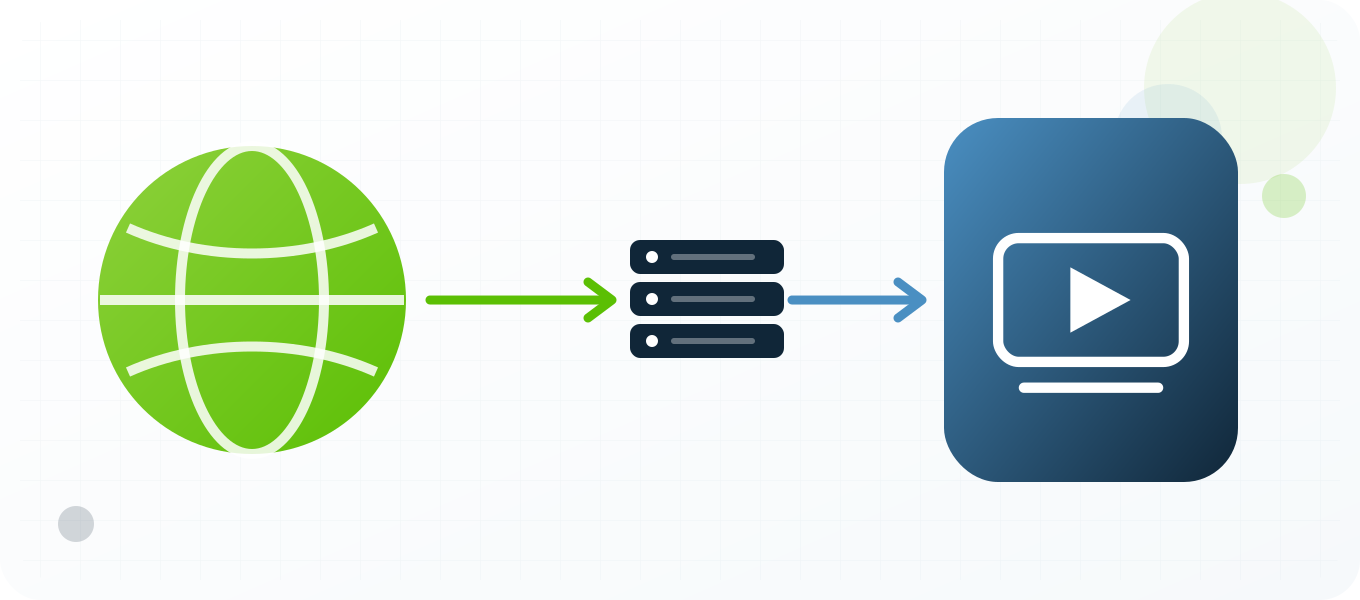
Use a stable private proxy when you need a controlled Twitch network route for checking stream quality, regional ads, channel pages or an authorized API client. Verify location and reputation first, keep one IP for stateful sessions, document the result and follow Twitch rules. A proxy changes the visible network path; it does not guarantee account safety, approval, reach or access.
What a Twitch proxy changes
A proxy changes the network route used to reach Twitch. The service normally sees the proxy exit IP, its approximate location, its network owner and the timing characteristics of that route instead of the direct connection. That can be useful when checking stream quality, regional ads, channel pages or an authorized API client. It does not replace the account, device, cookies, browser profile or application credentials. It also does not make prohibited behavior acceptable. Video, chat, API and web traffic have different endpoints and limits, so a successful page load does not prove that the stream or chat route is healthy. Treat the proxy as one controlled network variable inside a documented test, not as a complete identity layer.
What a proxy does not hide
Social platforms evaluate more than an IP address. They can consider account history, authentication events, device information, cookies, language, timezone, application version, content patterns, interaction patterns and recovery signals. A clean IP cannot repair a compromised account or make a poor workflow trustworthy. If the visible country changes while the device, language and normal account history point somewhere else, the result can be harder to interpret. Keep the non-network context stable, record intentional changes and use the platform's official security and recovery processes when an account is challenged.
Legitimate reasons to use proxies with Twitch
The strongest use cases are measurable and authorized. Teams can review channel pages, video delivery, regional advertising, chat and Twitch API endpoints from a selected market, reproduce a customer connection problem, verify whether public content or a landing page is localized correctly, separate a staging test from ordinary office traffic and monitor service quality from more than one region. Agencies may also need controlled network separation for accounts they are contractually authorized to manage. Public-interest researchers can use a proxy for repeatable access to public pages, subject to law, robots rules, rate limits and Twitch policy. None of these tasks requires fake engagement or deceptive account creation.
Choose a proxy type around the session
A static dedicated proxy is the clearest starting point for a login, support session or browser profile because the route remains stable while the work is in progress. A semi-dedicated proxy can be economical for lower-risk public checks, but its reputation may be influenced by other users. Rotation is better reserved for stateless, public and explicitly permitted measurements where each request can stand on its own. Do not rotate in the middle of authentication, profile editing, checkout, recovery or a long live session. The right question is not which proxy rotates fastest; it is which assignment makes the test reproducible and consistent with platform rules.
Location, latency and reputation
Choose a location that matches the market being tested and is close enough to keep latency practical. Confirm the exit country with an independent IP checker before opening Twitch. Then measure connection time, page or API response time and the result of the exact test. Reputation matters because a working IP can still have a noisy history. A failed request on one destination does not prove the proxy is offline, and a successful IP check does not prove that every Twitch feature will work. Test both the network and the target surface, and keep those results separate.
Account and credential safety
Keep proxy credentials in a password manager or server-side secret store, never in screenshots, shared documents, browser bookmarks or source control. Give each authorized operator only the access needed for the task. Use multifactor authentication on the social account and keep recovery details current. When a third-party application is required, prefer OAuth or another official authorization flow over sharing the account password. Use Twitch OAuth and API endpoints for approved integrations, monitor token-bucket headers and keep chatbots within the separate chat and join limits. A proxy should not become an excuse to weaken account security; it should make the network path easier to control and audit.
Rules, automation and responsible limits
Twitch prohibits viewership tampering, spam, unauthorized advertising, reward-system abuse, phishing and other conduct that harms service integrity. Read the current rules before building a workflow because platform policies and API limits change. Avoid unsolicited messaging, artificial engagement, copied content at scale, deceptive identities, unauthorized collection and attempts to circumvent enforcement. If automation is allowed, use the official API, request the minimum scopes, respect rate-limit headers and provide meaningful backoff. A proxy does not grant permission to automate a website or exceed a service limit. Stop the test when the platform returns a policy warning, access challenge or repeated rate-limit response, then review the method rather than adding more IP addresses.
How to measure a useful result
Define success before the test. A regional QA check might require the expected language, market-specific creative, correct redirect, stable page load and a screenshot with timestamp and exit location. A support investigation might require a reproducible error, browser version, proxy identifier, status code and elapsed time. An authorized API integration should log request IDs, rate-limit headers and retry decisions without logging tokens or personal data. These records make the result useful to another person and prevent guesswork. They also show whether a proxy improved the workflow or merely changed the visible IP.
When not to use a proxy
Do not add a proxy when direct access already provides the evidence you need, when the platform requires a specific approved integration, or when the proposed activity would violate a contract, law or platform rule. Do not use a proxy to conceal harassment, impersonation, spam, fraudulent promotion or unauthorized account access. If the task depends on creating misleading identities or manipulating metrics, the problem is the task, not the proxy configuration. For sensitive accounts, a familiar direct connection with strong authentication can be safer than introducing an unnecessary new route.
Stream quality requires sustained measurements
A fast IP lookup does not show whether a route can carry video. Measure time to first frame, selected quality, bitrate stability, buffering time and playback errors over a defined interval. Run the same test directly and through the proxy without leaving both players active, since duplicate playback can contaminate observations. Keep the channel, device, player settings and test window constant. For live events, conduct the route check before the broadcast and avoid experiments that could affect production monitoring or real audience metrics.
Advertising verification needs reproducible context
A regional ad test should record the channel, market, account state, consent choices, timestamp, player session and landing-page redirect. Advertising inventory can vary naturally, so one missing impression is not proof of a routing defect. Repeat the approved test within a defined window and separate player delivery from the linked destination. Never generate artificial views to force an ad. The goal is to verify presentation and routing with minimal impact, not to influence campaign or creator statistics.
Live-event testing needs a stop condition
A production stream is the wrong place for open-ended experiments. Define acceptable startup time, buffering ratio and player error thresholds before the event begins. Assign one operator to watch the test and stop immediately if the proxy route consumes excessive bandwidth, changes an authenticated broadcaster session or creates duplicate playback. Use a private test channel or recorded content for most rehearsals. During the live window, collect only the minimum approved sample. This protects audience experience and ensures the measurements describe the delivery path rather than side effects caused by the test itself.
Advantages
- Compare stream startup time and buffering from selected markets.
- Verify regional ads and linked campaign destinations with controlled evidence.
- Test an approved Twitch application from a predictable server route.
- Separate broadcaster QA from the normal studio network.
- Measure web, API, chat and video behavior as distinct systems.
Disadvantages
- Video bandwidth and latency requirements are higher than ordinary page testing.
- A proxy does not authorize artificial viewers or rewards activity.
- Chat, API and video can have separate rate limits and network paths.
- Rotation can interrupt playback, authentication and chat connections.
- Shared routes can add jitter or poor reputation during a live test.
Repeatable process
Recommended workflow
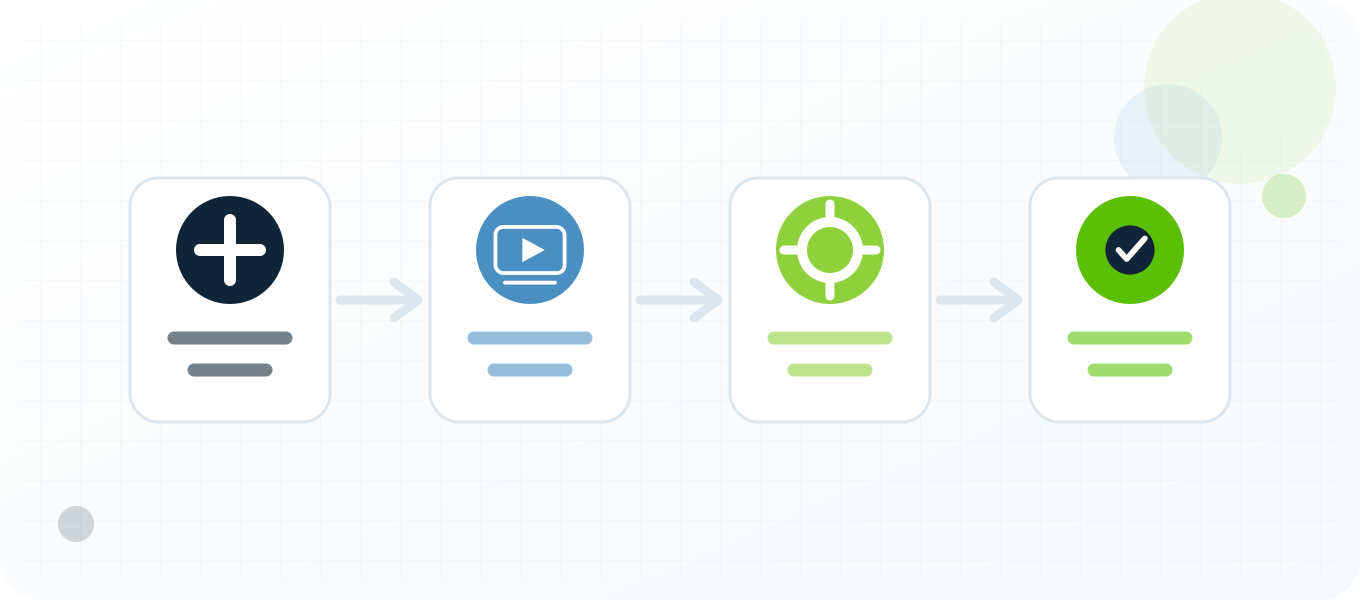
- Define the stream, market, device and metric being checked.
- Choose a private proxy with enough measured throughput near the target region.
- Verify exit location, latency and sustained bandwidth before opening Twitch.
- Test page, player, chat or API separately and name the exact surface.
- For applications, use OAuth and log Twitch rate-limit headers.
- Capture startup time, buffering, quality level, ad result and timestamp.
- Stop the test if it affects real viewer metrics or violates channel policy.
Troubleshooting
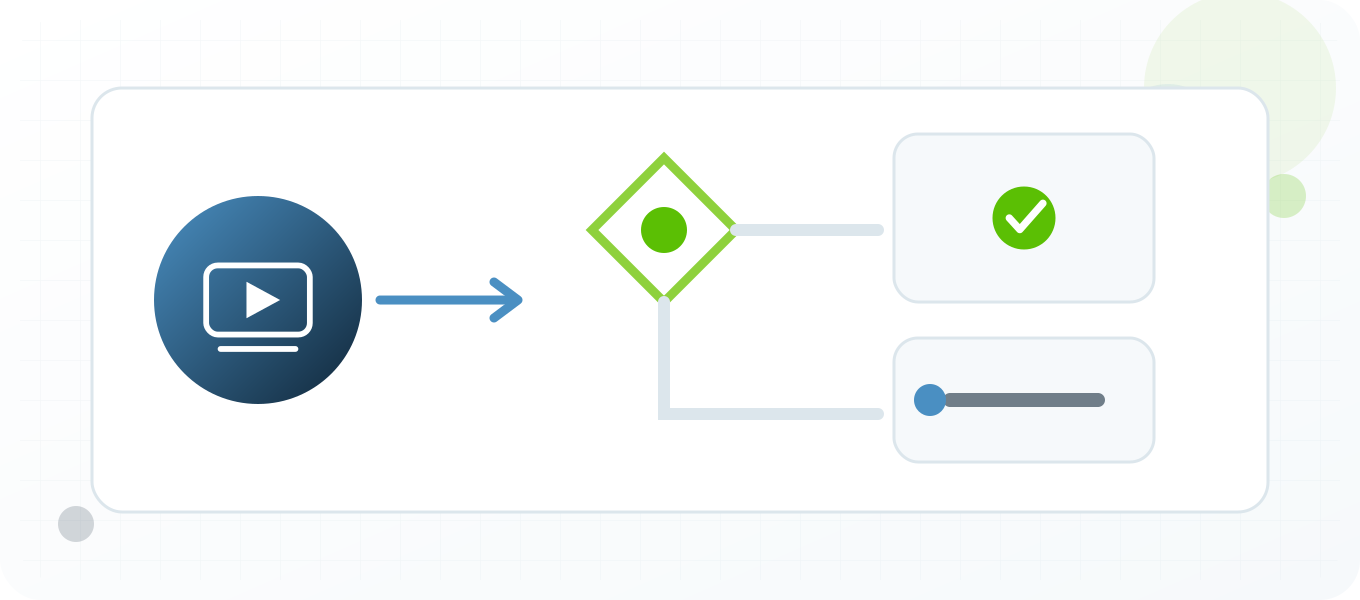
| Symptom | What to check |
|---|---|
| Page loads but stream buffers | Measure sustained bandwidth, jitter and video delivery separately from the HTML page. |
| API returns 429 | Wait for the token-bucket reset shown in Twitch headers and reduce request rate. |
| Chat messages are ignored | Check chat-specific authentication and send limits; a new proxy does not increase an account limit. |
| Regional ad is not shown | Record account status, consent, inventory timing and test market because IP is only one ad-delivery signal. |
Related BuyProxies guides
Official references
Frequently asked questions
Twitch Proxies: Stream Testing, Advantages and Risks FAQ
Can Twitch proxies increase viewer numbers?
Using proxies to create artificial viewers or manipulate metrics is not a legitimate use and conflicts with Twitch integrity rules.
Are Twitch proxies useful for stream QA?
Yes, when a broadcaster or authorized tester measures regional startup, buffering, ads or linked destinations without altering metrics.
Should a stream test use a rotating proxy?
Use one stable route for a playback session. Rotation can reset connections and invalidate timing comparisons.
Why does Twitch chat fail when video works?
Chat has different authentication, endpoints and limits and must be diagnosed separately.
What metrics should a Twitch proxy test capture?
Capture exit region, latency, startup time, buffering, quality, player errors and the exact test timestamp.
Start with a controlled test
Choose a proxy setup you can explain
Start with one Twitch test, one documented purpose and one verified private proxy. Keep the account, player session, device, OAuth token, channel permissions and viewing behavior consistent, capture the expected and actual result, and expand only after the workflow is stable. BuyProxies provides dedicated HTTP and SOCKS5 options plus testing guides, but the operator remains responsible for platform compliance, account authorization and the quality of every action.
Order clarity
What you receive
- What you receive
Proxy connection details for the package processed through the live order form.
- Protocols
HTTP or SOCKS5 options are shown during configuration for supported packages.
- Authentication
Set the requested proxy credentials during configuration before checkout.
- Locations
Current location availability is shown in the selector and can change with inventory.
- Support and checking
Support can help verify connection details and review replacement requests under the service policy.