
Advertising QA guide
Proxies for Ad Verification: Test Ads, Redirects and Landing Pages by Location
A practical, responsible workflow for checking campaign delivery, creative, redirects, tracking parameters and regional landing pages without contaminating advertising data.
Short answer: what are proxies for ad verification?
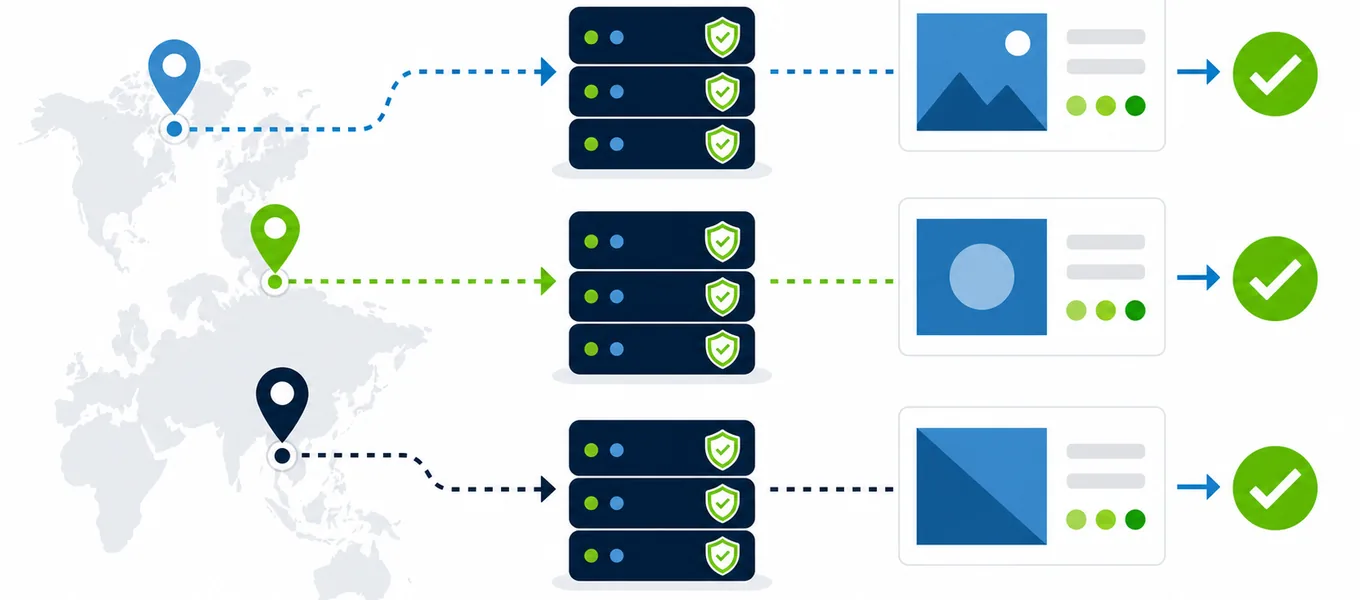
Proxies for ad verification let a marketer, agency, or quality-assurance team view a public campaign path from a controlled network location. The proxy supplies an exit IP associated with the market being tested. That makes it possible to compare whether an advertisement, redirect, landing page, currency, consent banner, and offer appear as expected in different countries or regions.
A proxy is only one part of the test. Advertising platforms also consider campaign settings, device, language, audience, account state, cookies, time, budget, and eligibility. The most reliable process combines the platform’s own preview tools with controlled browser checks. For Google Search ads, the official Ad Preview and Diagnosis tool is preferable to repeatedly searching for your own advertisement because it can preview and diagnose delivery without adding impressions.
What an ad verification test should cover
A useful ad check begins before the creative appears and ends after the landing page loads. First confirm that the campaign is eligible for the chosen market in the advertising platform. Then verify the proxy exit country with the IP location checker. Keep the browser profile, language, viewport, device emulation, and consent state consistent between regions so the network location is the main variable.
| Layer | What to capture | Common failure |
|---|---|---|
| Delivery | Search term or placement, market, time, device and whether the ad appears | Campaign is paused, budget-limited, disapproved or not eligible in that location |
| Creative | Headline, description, image, price, promotion and visible business name | Old asset, clipped text, wrong language or an expired promotion |
| Redirect | Initial URL, every redirect, tracking parameters and final status code | Lost UTM parameters, redirect loop or an unexpected affiliate hop |
| Landing page | Language, currency, product, legal text, consent and page performance | Generic page, wrong price, unavailable product or regional error |
| Conversion path | Forms, shipping messages and approved test checkout steps | Market mismatch appears only after the first page |
Google Ads also documents multiple forms of targeting and eligibility. Its guidance on ad targeting is a useful reminder that location is not the only signal controlling delivery. Record the campaign settings alongside the proxy evidence so a missing ad is not automatically blamed on the proxy.
A repeatable regional ad verification workflow
- Define the exact scenario. Write down the campaign, keyword or placement, target country or city, device, language, scheduled time, and expected landing page.
- Check platform diagnostics first. Confirm approval, budget, schedule, audience, location targeting, and product eligibility before opening a browser.
- Start with a clean test profile. Use a dedicated browser profile with known cookies, extensions, language, and consent state. Avoid personal accounts and historical personalization.
- Connect through a verified regional proxy. Confirm the final exit IP, country, protocol and response time. Keep one stable endpoint for the complete journey.
- Capture the path without interacting with the ad. Record the visible creative and URL. Where the platform provides a preview, use it. Open an owned test URL directly when checking redirects and landing pages.
- Compare regions using the same template. Save screenshots, timestamps, redirect evidence, status codes and page observations in a market matrix.
The proxy location guide explains why the closest city label is not always the most reliable route. For ad QA, correct market evidence and session consistency normally matter more than choosing the lowest single latency result.
Build evidence another person can reproduce
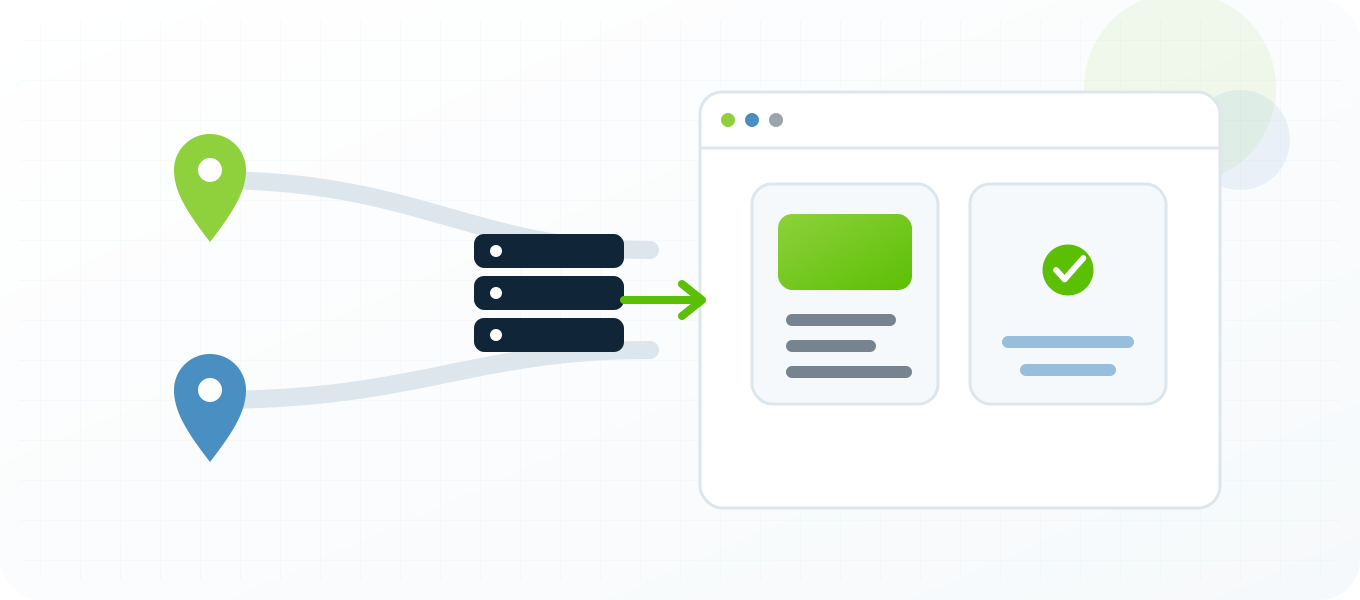
An ad verification report should explain the environment without exposing credentials or customer data. Include the time zone and timestamp, campaign or test identifier, proxy country, observed exit IP, browser version, device profile, language, consent state, entry URL, redirect sequence, final URL, status code, and screenshots. If the ad was not visible, record the platform diagnostic result as well.
Use clear outcomes: pass, fail, blocked, or inconclusive. A proxy timeout is not evidence that the campaign failed. A correct creative followed by a broken regional landing page is a landing-page failure, not a delivery failure. Separating these layers helps the correct team act without repeating the whole investigation.
Recommended screenshot set
- Verified proxy IP and approximate location, with credentials hidden.
- Platform preview or placement showing the creative and test parameters.
- Redirect or developer-tools evidence with sensitive headers removed.
- Final landing page above the fold, including currency and consent state.
- Any incorrect step beside the expected result or control region.
Keep original files in a shared evidence folder and use stable names such as campaign-market-device-date. A short text summary should point to those files instead of embedding secrets, full cookies, or authorization tokens in a ticket.
How to choose proxies for ad verification
Choose a private proxy whose exit location matches the campaign market and whose connection remains stable long enough to complete the journey. Verify the endpoint before every important run with the proxy tester. A working status alone is not enough: confirm the final IP, location, protocol, target-site response, and practical latency.
Stable sessions
Keep one IP for the complete verification path. Aggressive rotation can create inconsistent content and make the evidence impossible to reproduce.
Relevant locations
Buy coverage for markets you actually advertise in. A smaller verified location set is more useful than a large untested list.
Clean operational history
Review the proxy IP reputation guide and remove exits that return unusual challenges or inconsistent content.
Measured performance
Track median page response and redirect time. Do not select an endpoint from one unusually fast sample.
Dedicated proxies are useful when the same team needs repeatable access and clear ownership of each endpoint. Semi-dedicated capacity may be adequate for occasional public-page QA when sessions are short and the endpoint remains healthy. The dedicated versus semi-dedicated guide covers the trade-offs.
Common ad verification mistakes
- Searching for your own ad repeatedly: use the platform preview and diagnosis tools to avoid affecting impression data.
- Changing several variables together: keep device, language, profile and time window documented while comparing location.
- Clicking live ads as a test: use owned preview and test paths; do not create invalid interactions or charges.
- Assuming IP controls everything: campaign targeting, cookies, account history, audience and eligibility still matter.
- Rotating during the journey: a new IP can change consent, currency, inventory and risk decisions.
- Reporting only a screenshot: add the URL, timestamp, exit IP, platform diagnostic and expected result.
If a page behaves differently across regions, repeat the comparison using the website testing workflow. That guide helps separate localization, CDN, consent, pricing and application-state differences from a proxy connection problem.
Example: verifying a three-country campaign
Imagine an ecommerce team launching the same product in the United States, Germany and the United Kingdom. The tester creates one clean profile per market and records the intended language, currency, campaign URL and expected promotion. Each profile uses a verified proxy in the matching country and keeps that endpoint for the full run.
The United States preview shows the current creative and reaches the correct dollar offer. Germany shows the correct creative but loses a tracking parameter during a redirect, then opens the generic English page. The United Kingdom keeps the tracking parameters but displays an expired promotion. These are two different defects with different owners. The German ticket includes the redirect chain; the UK ticket includes the creative and landing-page mismatch.
After fixes, the team repeats exactly the same scenarios and attaches the new evidence beside the original report. Because the market, device, profile and entry path are controlled, the comparison is stronger than a collection of unrelated screenshots.
Ad verification proxy FAQ
What is an ad verification proxy?
It is a proxy used to view and test a public advertising path from a controlled network location. It helps verify market-specific creative, redirects and landing pages.
Should I click my own ads through a proxy?
No. Use the advertising platform’s preview and diagnostic tools and approved owned test URLs. Do not create invalid clicks, impressions or charges.
Why does an ad still not appear from the correct country?
Location is only one delivery signal. Budget, schedule, eligibility, audience, device, language, account state and campaign settings can also control whether an ad appears.
Are dedicated proxies better for ad QA?
They are useful for repeatable testing because the endpoint can remain stable and assigned to a known team. The best choice still depends on test frequency, location coverage and budget.
How many locations should a campaign test?
Test every market where the campaign or landing page has materially different targeting, pricing, language, legal text or availability. Prioritize the highest-spend and highest-risk markets.
What should an ad verification report include?
Include the market, timestamp, exit IP, device, language, platform diagnostic, creative, redirect chain, final URL, screenshots, expected result and pass or fail outcome.
Build a proxy setup you can measure
Use private, authenticated proxies in the markets you genuinely need, verify each exit before the run, and keep the full customer journey measurable.
Proxies for ad verification: practical buying notes
This page is strongest when it connects setup details to a buying decision. Use stable private proxies when you need repeatable tests, account-safe sessions, reproducible reports or clean troubleshooting. Use cheaper semi-dedicated proxies for early testing and move important workflows to dedicated IPs once the process is proven.
| Need | Recommended proxy behavior | Related guide |
|---|---|---|
| Stable sessions | Use static or sticky private proxies. | Static vs rotating proxies |
| Troubleshooting | Test format, authentication and exit IP before scaling. | Proxy tester |
| Location-sensitive checks | Choose proxy country close to the target audience. | Choose proxy location |
What proxy type should I start with?
Start with static private proxies when accuracy and troubleshooting matter. Use rotation only when the workflow can tolerate IP changes.
Should I test proxies before using them?
Yes. Test one proxy outside the application first, then import the same working format into the real tool.
Related BuyProxies guides
These related pages help connect the setup, troubleshooting and buying decisions instead of treating each proxy problem in isolation.
Proxy authentication failed
Use this guide as the next step when you need a more specific proxy workflow.
HTTP 407 proxy authentication required
Use this guide as the next step when you need a more specific proxy workflow.
Proxy timeout errors
Use this guide as the next step when you need a more specific proxy workflow.
Best proxies for scraping
Use this guide as the next step when you need a more specific proxy workflow.
How many proxies for scraping
Use this guide as the next step when you need a more specific proxy workflow.
How many proxies for multiple accounts
Use this guide as the next step when you need a more specific proxy workflow.