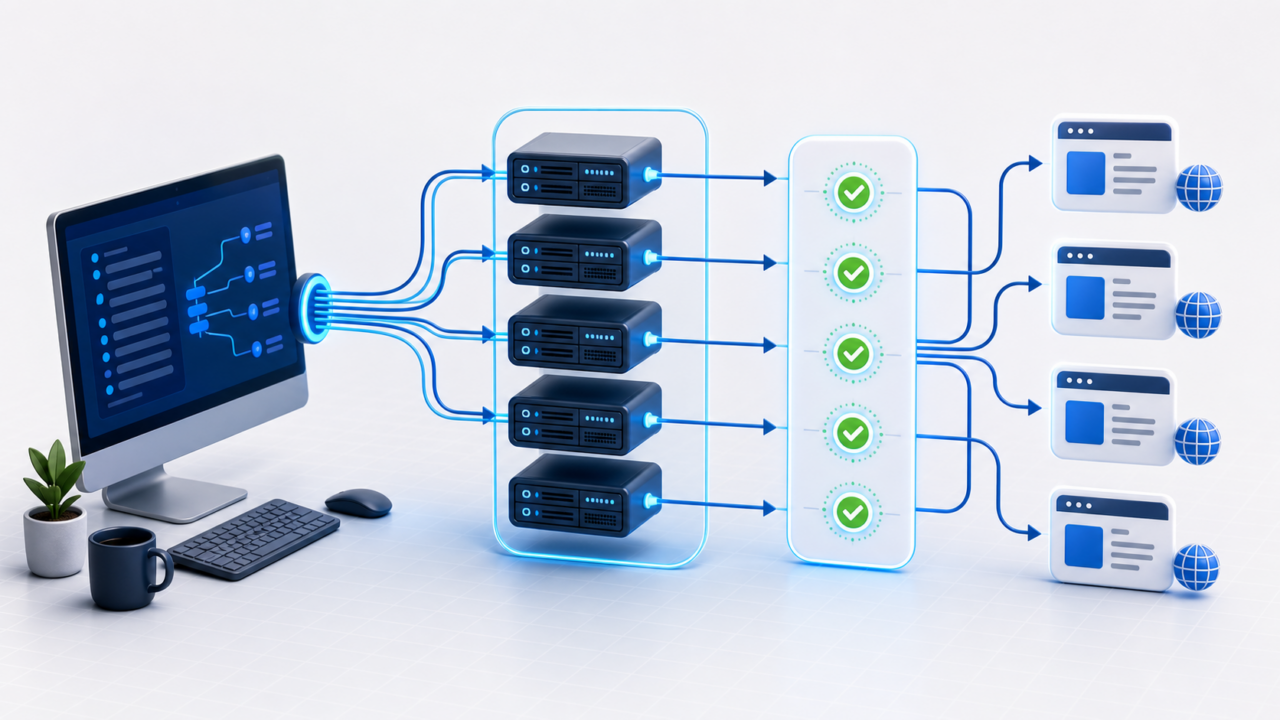
Chrome Proxies: Setup, Profiles and Testing Guide
Chrome proxies route browser traffic through a selected proxy endpoint, but Chrome can inherit settings from the operating system, extensions, managed policies or browser profiles. A good setup keeps those layers clear so the visible exit IP, cookies and authentication method match the workflow.
This guide focuses on practical Chrome proxy configuration for privacy checks, SEO review, browser profile testing, QA and approved automation. A proxy changes the network route; it does not change account history, device fingerprint, website rules or permission requirements.
Quick answer
Use a private Chrome proxy when you need a consistent exit IP for a specific browser profile. Choose the right protocol, keep one profile tied to one project, verify the visible IP before logging in and disable other network tools that can override the route.
Where Chrome proxy settings can live
- System proxy settings: Chrome normally follows the operating system proxy configuration unless an extension or policy overrides it.
- Proxy extensions: tools such as BP Proxy Switcher for Chrome can switch profiles faster than editing OS settings manually.
- Browser profile tools: profile managers may store proxy, cookie, timezone and fingerprint settings together.
- Command-line flags: advanced users can launch Chrome with proxy flags, but these settings are easy to forget and should be documented.
- Managed policies: workplace or hosted environments may force proxy rules that the ordinary settings screen does not control.
Recommended setup flow
- Choose a private proxy plan. Dedicated proxies are better when one Chrome profile needs stable routing and reputation isolation. Semi-dedicated proxies fit lighter testing where limited sharing is acceptable.
- Confirm protocol and format. Chrome-oriented tools often ask for host, port, username and password. If a list is hard to import, review proxy list formats.
- Add the proxy to one profile. Do not mix unrelated accounts, cookies and destinations in the same Chrome profile.
- Verify the visible IP. Use the Proxy Tester and IP location checker before using the profile for real work.
- Test the real destination. A generic IP checker only proves that one checker sees the proxy; the target site may behave differently.
- Document the profile. Save the proxy, country, protocol, client, test result and renewal expectation so support can reproduce issues.
Dedicated vs semi-dedicated Chrome proxies
| Proxy type | Best fit | Link |
|---|---|---|
| Dedicated proxies | Chrome profiles that need stable sessions, cleaner reputation control and repeatable testing. | View dedicated Chrome proxy plans |
| Semi-dedicated proxies | Lower-cost browsing checks, QA and research where limited sharing is acceptable. | View semi-dedicated Chrome proxy plans |
| Free proxy lists | Disposable experiments only. | Not recommended for accounts, paid tools, client work or sensitive browsing. |
Common Chrome proxy problems
| Symptom | Likely cause | Fix |
|---|---|---|
| Chrome still shows the original IP | The proxy is not active, another extension overrides it or the traffic is using a different browser profile. | Disable conflicting network tools and test inside the exact profile being used. |
| Authentication popup repeats | Wrong username, password, protocol or port. | Retype credentials carefully and review the proxy authentication guide. |
| Only some sites fail | The proxy works, but the target site has its own rate limits, reputation rules or compatibility checks. | Test the target directly and compare with another endpoint before changing every setting. |
| Location looks wrong | Geolocation databases disagree or the wrong endpoint is assigned to the profile. | Check multiple IP location sources and keep evidence for support. |
| Profile behavior is inconsistent | Cookies, extension settings and proxy route are not isolated. | Create one profile per workflow and avoid switching proxy countries inside the same session. |
Chrome proxy checklist before buying more IPs
- The profile uses the intended proxy and no VPN or second proxy extension is active.
- The visible exit IP and country match the project requirement.
- The target site loads the expected content, not a block page or login loop.
- Credentials are stored securely and not pasted into screenshots or shared documents.
- The same Chrome profile can reconnect later with the same settings.
Buying recommendation
For Chrome workflows, buy the smallest private proxy package that passes a real browser-profile test. Start with dedicated proxies when stability, account continuity or reputation isolation matters. Use semi-dedicated proxies for lighter checks where cost is more important than full exclusivity.
Buy dedicated Chrome proxies or compare semi-dedicated Chrome proxies.
Order clarity
What you receive
- What you receive
Proxy connection details for the package processed through the live order form.
- Protocols
HTTP or SOCKS5 options are shown during configuration for supported packages.
- Authentication
Set the requested proxy credentials during configuration before checkout.
- Locations
Current location availability is shown in the selector and can change with inventory.
- Support and checking
Support can help verify connection details and review replacement requests under the service policy.