Proxy protocol comparison
HTTP vs SOCKS Proxies: Differences and Best Uses
HTTP and SOCKS proxies both route connections through another server, but they operate at different layers and depend on application support. Compare traffic type, tunneling, DNS behavior, authentication, compatibility, and the actual tool before choosing. For command-level implementations of both proxy families, see our cURL SOCKS5 proxy guide.
Quick answer: choose an HTTP proxy for software built around web requests and HTTP semantics. Choose SOCKS5 when the application explicitly supports SOCKS and needs a more general connection relay, proxy-side hostname resolution, or supported UDP handling. Neither protocol guarantees better speed, anonymity, or universal application compatibility.
HTTP vs SOCKS comparison
| Feature | HTTP proxy | SOCKS5 proxy |
|---|---|---|
| Layer | Understands HTTP request/tunnel behavior | General relay between application and transport |
| Typical traffic | HTTP websites, APIs, browsers, scrapers | Applications with explicit SOCKS support |
| HTTPS | Commonly uses HTTP CONNECT tunneling | Relays the supported TCP connection |
| UDP | Not a general UDP relay | SOCKS5 defines UDP ASSOCIATE; server and client must support it |
| DNS | Depends on client, proxy mode, and request | Can send domain names for proxy-side resolution; client option matters |
| Authentication | Common HTTP proxy authentication methods | Method negotiation; username/password is commonly implemented |
| Application support | Very common in web tools | Must be implemented by the application or networking library |
What is an HTTP proxy?
An HTTP proxy receives HTTP requests or establishes tunnels for supported traffic. For an ordinary HTTP destination, the client can send a proxy-form request. For an HTTPS destination, clients commonly send an HTTP CONNECT request asking the proxy to open a TCP tunnel to the destination. TLS then protects the application data between client and destination through the tunnel.
HTTP proxies are widely supported by browsers, command-line tools, SEO software, scraping frameworks, package managers, and HTTP libraries. Their web focus makes configuration straightforward when the application already exposes a proxy URL or host/port field. Read our detailed HTTP proxies guide for setup examples.
What is a SOCKS proxy?
SOCKS is a general relay protocol. SOCKS5 is defined by RFC 1928 as a framework between the application and transport layers. It supports IPv4, domain names, IPv6, method negotiation, TCP CONNECT and BIND, plus UDP ASSOCIATE. That does not mean every commercial server or client exposes every feature.
The application must know how to speak SOCKS, or a compatible library/system layer must provide that support. A browser setting may support SOCKS while another application ignores it. See our SOCKS proxies guide for protocol-specific configuration.
HTTP proxy versus SOCKS proxy for HTTPS
Both can carry connections to HTTPS destinations when correctly supported. With an HTTP proxy, the client normally requests a CONNECT tunnel. With SOCKS5, the client asks the SOCKS server to connect to the destination. In both cases, destination TLS remains essential. The proxy is part of the network path and can see connection metadata even when it cannot read properly encrypted HTTPS content.
DNS behavior matters
Proxying the connection does not always proxy the hostname lookup. Some clients resolve the destination locally and send an IP address to the proxy. Others send the hostname and ask the proxy to resolve it. In cURL, for example, socks5:// normally resolves locally while socks5h:// requests proxy-side resolution.
Choose intentionally. Local DNS can be useful for internal names and normal network policy. Proxy-side DNS can help when the destination should be resolved from the proxy environment. Verify behavior with the actual application rather than relying on the label alone.
Authentication differences
HTTP proxies commonly use established HTTP proxy-authentication mechanisms. SOCKS5 begins with method negotiation; username/password is widely used, but the RFC also defines other method identifiers. Provider support and client support must overlap. A SOCKS credential cannot be pasted into an HTTP-only field and expected to work.
Keep credentials outside screenshots, source code, and shared logs. Confirm whether the provider uses username/password or source-IP authorization. An authentication failure is different from a destination denial.
Which proxy is faster?
There is no protocol-wide winner. Real performance depends on route length, proxy capacity, destination, TLS, DNS, connection reuse, packet loss, client implementation, and workload. A nearby well-provisioned HTTP proxy can outperform a distant SOCKS proxy, and the reverse can also be true. Test the same endpoints, target, timeouts, and request count.
Choose by use case
Web scraping and HTTP APIs
HTTP proxies are usually the easiest fit because the client already understands web requests, response codes, headers, and CONNECT. SOCKS can also work when the library supports it, but adds no automatic benefit for a purely HTTP workload.
Browsers and SEO tools
Use the protocol explicitly supported by the browser or tool. HTTP is common. SOCKS5 may be useful when the application supports remote DNS or requires a general relay. Verify that all relevant traffic follows the setting.
Development and command-line testing
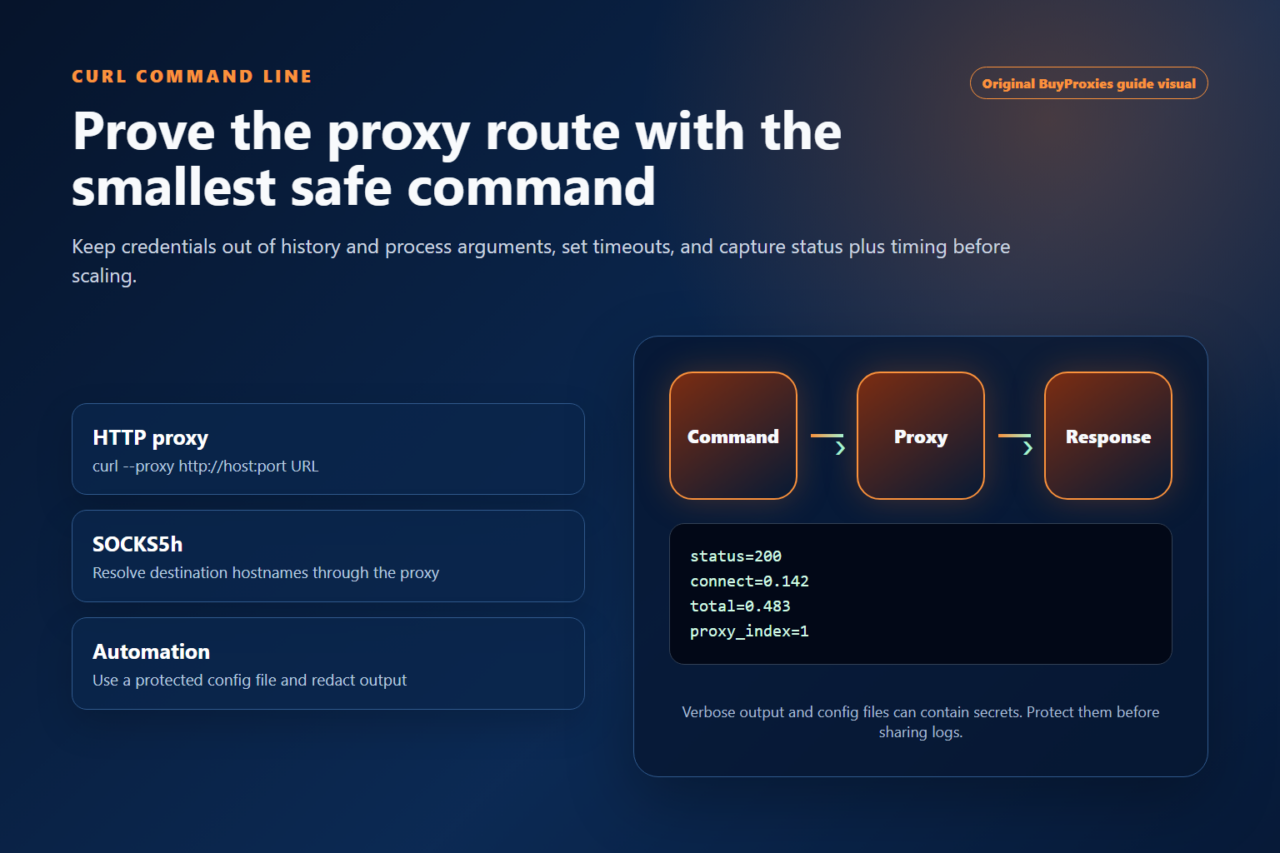
cURL supports HTTP, HTTPS proxy, SOCKS4, SOCKS4a, SOCKS5, and SOCKS5 with proxy-side DNS. Review the cURL proxy guide for exact examples.
Non-HTTP applications
SOCKS can be appropriate when the application implements it and the traffic is not limited to web requests. Check protocol, TCP/UDP, DNS, and authentication support end to end.
Security and privacy limits
- A proxy changes the route; it does not automatically encrypt application traffic.
- Use HTTPS/TLS or the application’s secure protocol to protect content.
- The proxy operator can observe connection metadata and any unencrypted traffic.
- DNS can remain local unless the client sends the hostname to the proxy.
- Cookies, browser fingerprint, GPS, account history, and device identifiers are separate.
- No proxy protocol guarantees anonymity or policy compliance.
How to test HTTP and SOCKS proxies
- Confirm the provider’s protocol, host, port, authentication, and location.
- Configure the exact protocol in a compatible client.
- Test connectivity and credentials with the Proxy Tester.
- Verify the public exit IP using the IP Location Checker.
- Check DNS behavior if it matters to the project.
- Call the real permitted target with modest timeouts.
- Record response codes, latency, and errors.
Common mistakes
Using the wrong field
An HTTP proxy field may reject SOCKS endpoints. Select the protocol explicitly and verify the URI scheme.
Assuming DNS follows the proxy
Check the application’s documentation and test. SOCKS5 alone does not force remote DNS; the client must request it.
Equating proxy with encryption
Use TLS or another secure application protocol. A plain HTTP request remains plain HTTP even when routed through a proxy.
Choosing by speed claims
Run comparable tests against the real target. Protocol overhead is only one part of performance.
Ignoring application support
A proxy can be healthy while an application bypasses it or rejects the type. Verify the exit IP from the same application.
HTTP vs SOCKS FAQ
Is SOCKS5 more anonymous than HTTP?
Not automatically. Privacy depends on client behavior, DNS, encryption, identifiers, proxy operation, and the destination. Neither label guarantees anonymity.
Is SOCKS5 always faster?
No. Route, capacity, target, connection reuse, DNS, and implementation usually matter more than the protocol label.
Can HTTP proxies open HTTPS websites?
Yes, commonly through HTTP CONNECT tunneling, provided the client and proxy support it.
Does SOCKS5 support UDP?
The protocol defines UDP ASSOCIATE, but both the server and client must implement and expose it. Confirm provider and application support.
Which should I buy?
Choose the protocol your application supports and your task requires. For web tools, HTTP is often simplest. Choose SOCKS5 for explicitly supported general-purpose workflows or remote-DNS needs.
Choose the protocol your application actually supports
Start with software compatibility, then test authentication, DNS, exit IP, performance, and the real target. Also compare proxy vs VPN and shared vs private proxies.
Client compatibility evidence
Choose HTTP or SOCKS5 from the client evidence
The protocol name alone does not prove that a route will work. Start with the exact proxy field exposed by the browser, extension, command-line client or application. Keep one known endpoint as a control and change only the protocol during comparison. DNS handling also matters: some SOCKS5 clients can resolve hostnames through the proxy, while other clients resolve locally before opening the connection. Confirm the client documentation and inspect the visible exit instead of assuming that every SOCKS option behaves identically.
| Client evidence | Practical starting point | Verification |
|---|---|---|
| Browser or browser extension | HTTP is usually the clearest web-traffic setup. | Open an HTTPS page, confirm the exit IP and check for repeated authentication prompts. |
| cURL, Python or an API client | Use the protocol explicitly supported by the library and its URL syntax. | Record status, connect time, total time and the returned exit address. |
| General TCP application | Use SOCKS5 only when the application documents SOCKS support. | Check whether hostname resolution is local or proxy-side and test the real destination. |
For a fair regional comparison, keep the target list, timeout and source machine fixed, then run the Proxy Region Speed Test once with each supported protocol. Compare successful routes and failure categories, not only the fastest number. A protocol mismatch, a 407 response and a target denial are different problems and should remain separate in the test record.
Order clarity
What you receive
- What you receive
Proxy connection details for the package processed through the live order form.
- Protocols
HTTP or SOCKS5 options are shown during configuration for supported packages.
- Authentication
Set the requested proxy credentials during configuration before checkout.
- Locations
Current location availability is shown in the selector and can change with inventory.
- Support and checking
Support can help verify connection details and review replacement requests under the service policy.