Pinterest Proxies: Business Access, Testing and Setup
A Pinterest proxy routes traffic from a configured browser or application through another IP address. It can help compare network routes or check a website you own from a selected location. For publishing Pins or managing a client’s brand, start with Pinterest’s account permissions and publishing tools: a proxy does not provide those permissions.
This guide separates three jobs that often get mixed together: giving a team access to Pinterest, scheduling content, and diagnosing a connection. Choose the tool for the job before buying a proxy package.
Manage client profiles through Business Manager
Pinterest Business Manager lets a business grant access to employees and external partners. An agency should use a partner relationship; people working inside the business use employee access. The participating accounts need to be business accounts.
Ad-account access and profile access are separate. If a colleague can see campaigns but cannot work on organic Pins, check the profile permissions. Publisher access covers organic tasks such as creating and organizing Pins and boards, scheduling Pins, and viewing individual Pin statistics. It avoids handing around the brand’s login credentials. See Pinterest’s Business Manager roles and permissions for the current permission list.
For example, a design agency preparing Pins for two clients should first confirm its access to each client’s profile. Buying two IP addresses would not fix a missing invitation or an unassigned Publisher permission.
Schedule Pins with the publishing tool
A business account can schedule standard Pins inside Pinterest. Its scheduling documentation currently allows dates up to 30 days ahead and up to 10 future scheduled Pins. After scheduling, you can change the date, title, board, description and link, but not the image or video itself. Check the linked instructions if the interface or limits change.
If a scheduler reports a full queue, review the scheduled Pins. If the creative asset is wrong, review Pinterest’s editing restrictions. Neither issue is diagnosed by changing the browser’s proxy address.
Where a proxy can help with Pinterest-related testing
A useful starting point is the destination website behind a Pin. If you own or maintain that website, a configured proxy can help you compare its response through a selected exit location: whether the expected page opens, redirects finish, images load, and the correct local offer appears. Record the browser, account state, exit IP and time of each check.
Treat a browser check as one observation. An IP address alone does not prove how every Pinterest visitor will see a Pin, personalized feed or advertisement. Keep account settings and campaign previews separate from your website’s network test.
Another use is isolating a connection fault. If an ordinary page you control fails through the proxy as well as Pinterest, investigate the proxy configuration first. If only a Pinterest account action fails, read the account or permission message before changing the network setup.
Run a small, repeatable connection check
- Write down the expected result. For example: the link on your own Pin should reach the correct product page with no redirect loop. Choose one browser and one account you are authorized to use.
- Configure one route. Enter the supplied host, port, protocol and authentication details in the browser’s supported proxy settings or manager. The BP Proxy Switcher tutorial explains importing and selecting an existing proxy.
- Check the proxy separately. Use the proxy tester for connectivity and the IP location checker to inspect the exit address. Keep proxy passwords out of screenshots and support logs.
- Check the destination you control. Compare the same URL through your normal connection and the configured proxy. Record redirects, loading errors and the final destination. This comparison concerns your website, rather than Pinterest’s ranking or account status.
- Review the Pinterest step separately. Use normal, supported account access. If a login challenge or restriction appears, follow the account’s verification or support process. Save the exact message so a connection error is not confused with an account decision.
Match the error to the right fix
| What you see | What to check |
|---|---|
| Proxy authentication error, including HTTP 407 | Verify the proxy username, password and authentication method. This response concerns access to the proxy server. |
| The proxy fails on your own test page too | Check the host, port and protocol, then compare a direct connection. Give support the time and error message. |
| Campaign access works, but organic Pins are unavailable | Check profile access in Business Manager. Ad-account permission does not establish Publisher access. |
| A scheduled Pin cannot use a new image or video | Check the scheduler’s editing rules. The existing scheduled creative cannot be edited in that way. |
| A Pinterest verification or restriction message appears | Use the indicated account process. Another proxy does not establish permission or resolve the underlying account decision. |
Choose a proxy plan for a defined test
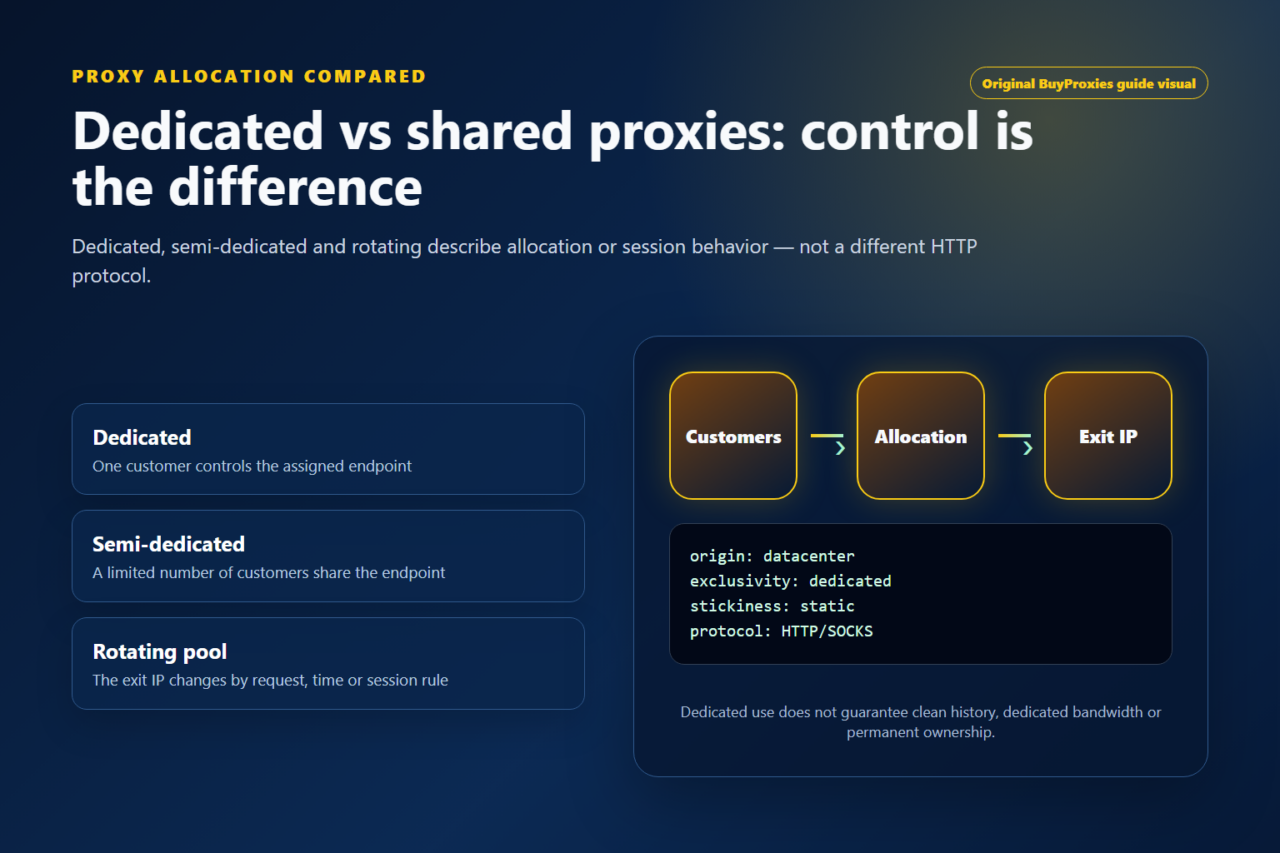
BuyProxies supplies datacenter proxies. A dedicated plan gives your account exclusive use of its assigned proxies; semi-dedicated proxies are shared by up to three users. For a repeatable comparison, exclusive use removes other customers’ use of the same proxy as a variable you control through plan choice.
Check the required location, supported protocol and application configuration before ordering. A datacenter IP is not a residential connection, and no plan guarantees that Pinterest will accept a login or every request. Compare current proxy plans against your actual testing requirement.
Automation and access boundaries
Pinterest’s current Community Guidelines require explicitly approved automation and prohibit unsupported or undocumented access methods, including scraping. A proxy does not change those conditions. Use the native scheduler or an integration approved for the task; do not treat proxy rotation as a fix for an unsupported workflow.
Pinterest proxy questions
Do I need a separate proxy for each client?
Start by arranging each client’s Business Manager access. A separate network route is a testing choice, not a substitute for that access. Decide whether you need one from the connection or destination-page test you are trying to perform.
Will a proxy increase Pin reach?
This guide does not establish a relationship between using a proxy and increased reach. Use Pinterest’s reporting to evaluate your content; use connection tests to evaluate the network route.
What should I send to support when a connection fails?
Provide the application and protocol, the time of the attempt, the visible error, and whether a page you control worked through the same proxy. Redact passwords and account tokens. These details help separate configuration, destination and account-access issues.
Order clarity
What you receive
- What you receive
Proxy connection details for the package processed through the live order form.
- Protocols
HTTP or SOCKS5 options are shown during configuration for supported packages.
- Authentication
Set the requested proxy credentials during configuration before checkout.
- Locations
Current location availability is shown in the selector and can change with inventory.
- Support and checking
Support can help verify connection details and review replacement requests under the service policy.