
BP Tracker Blocker Tutorial: Chrome Settings and Exceptions
Learn BP Tracker Blocker controls for trackers, ads, cookies, popups and autoplay. Configure precise exceptions and diagnose a broken page in Chrome.

Learn BP Tracker Blocker controls for trackers, ads, cookies, popups and autoplay. Configure precise exceptions and diagnose a broken page in Chrome.
Learn how to add, test, switch and rotate HTTP or SOCKS5 proxies in BP Proxy Switcher for Chrome, Firefox and Edge, with privacy and cleanup settings.
Set test coordinates, save browser location profiles, allow real-location exceptions and verify geolocation with BP Geolocation Spoofer.
Use BP Cookies Manager to inspect and edit website cookies, block selected names, and import or export test data in Chrome, Firefox and Edge.
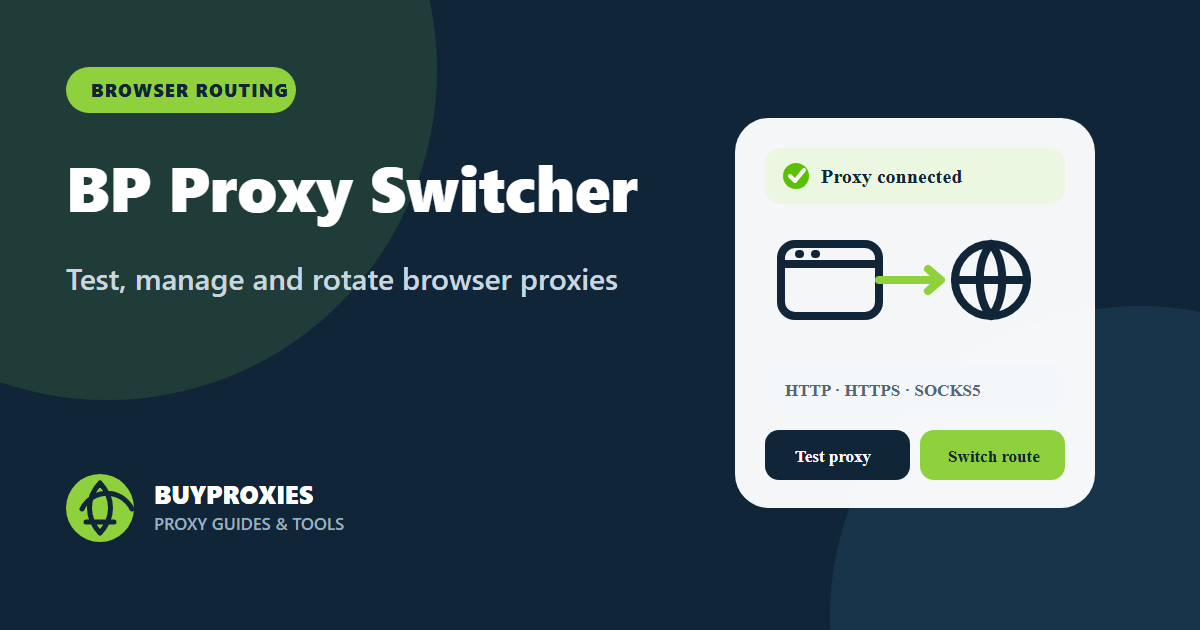
Manage, test and rotate HTTP, HTTPS and SOCKS5 proxies in Chrome, Edge or Firefox with health checks, bypass rules and privacy controls.
View, edit, create, delete, block, import and export current-tab cookies with BP Cookies Manager for Chrome, Edge and Firefox.
Explore BP Tracker Blocker for Chrome: tracker, ad, cookie, popup and autoplay controls, current screenshots, privacy settings and setup guidance.
Change browser geolocation with saved cities or custom coordinates in Chrome, Edge and Firefox. Test regional experiences and keep real-location exceptions.
Learn how to install BP Geolocation Spoofer for Chrome, Firefox, and Microsoft Edge, spoof browser geolocation, add custom coordinates, and manage real-location sites.
Configure and test a YouTube proxy for authorized regional QA, diagnose playback or login errors and keep Google account sessions secure.
Set up proxies for authorized Facebook testing, keep sessions consistent, diagnose errors and protect account recovery access.
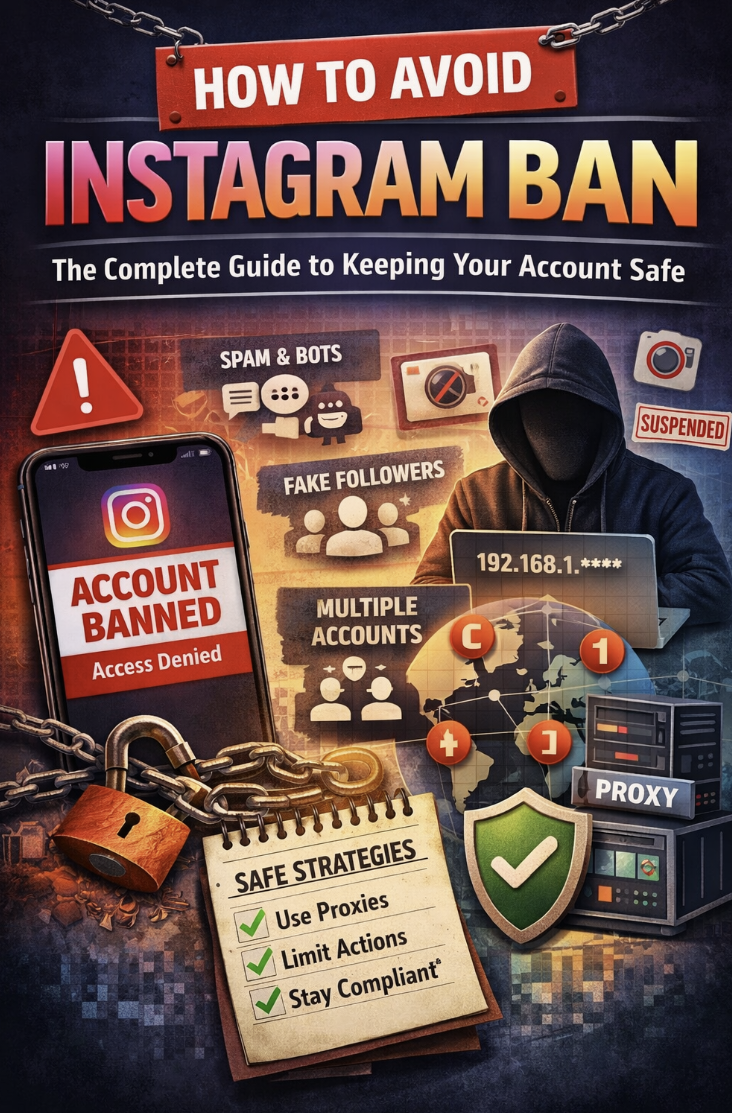
Configure a proxy for authorized Instagram testing, protect account sessions, diagnose connection problems and follow platform rules.